By Tojo8 min read
The best bespoke jacket mockup is a layered Photoshop file with a Smart Object for the cloth, separate lining fabrics, and at least 2000 px of width so the stitching stays sharp. If you want a classic peak lapel at print resolution, pick the first template below. If price decides it, pick the second. Tailors who show pocket options will like the third, and web store owners can choose the fourth or fifth.
Bespoke work sells on cloth, and a client cannot judge a fabric from a swatch the size of a coaster. Photographing a sample jacket for every fabric costs time and money. A mockup lets you drop a real texture onto a realistic jacket and show it in minutes. The five templates here are paid PSD files, priced from $15 to $20, not free downloads.
All five come from ShirtsMockup, which sells layered PSD mockups for suits, tuxedos and jackets. I compared them on lapel style, resolution, what ships in the file, and who gets the most from each one. They are raster files for Photoshop, not vector flats, so they suit presentation images and store listings rather than technical drawings.
1. Photo-realistic peak lapel jacket mockup
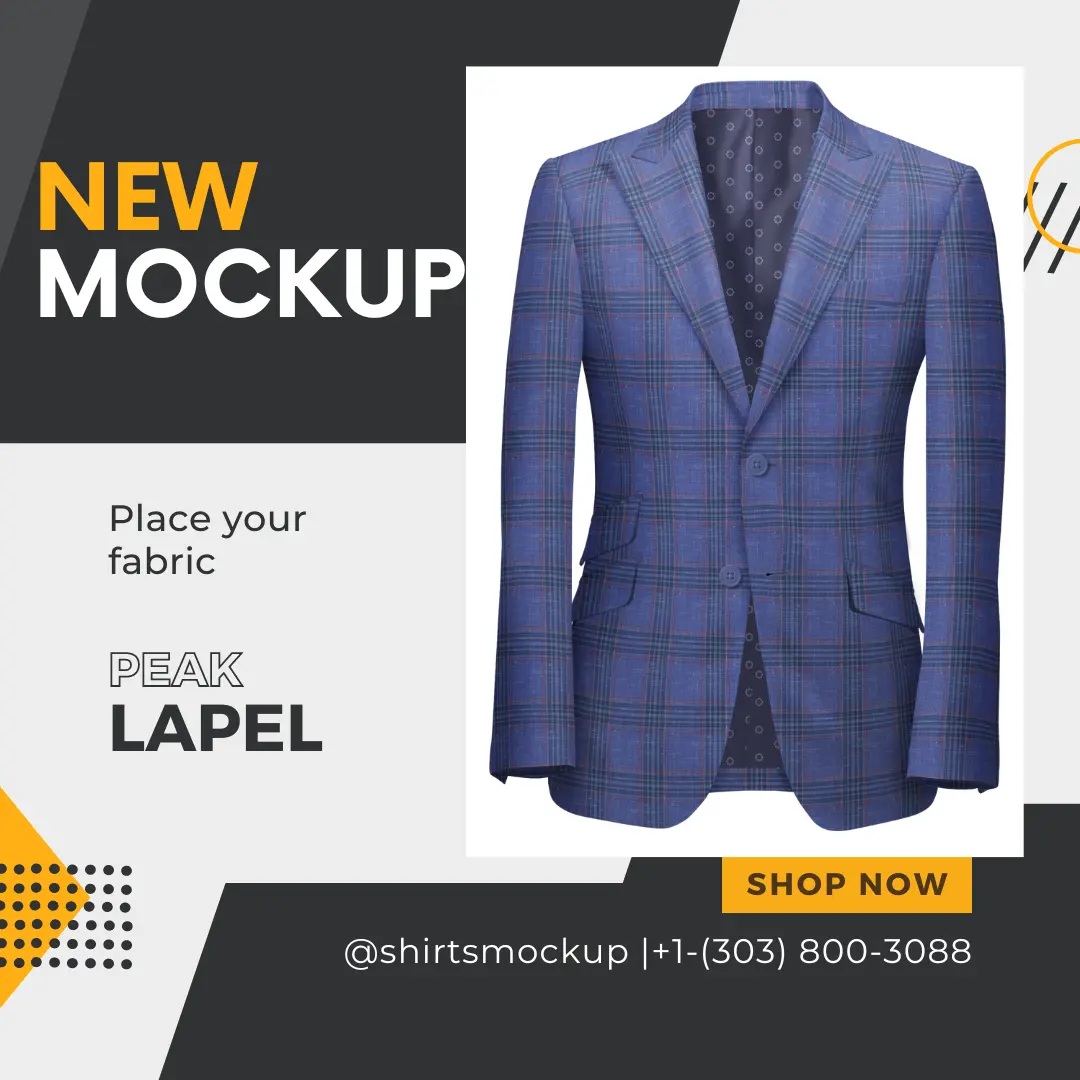
The Photo-Realistic PSD Jacket Mockup Template with Peak Lapel ($19) is the best all-round pick if you want a classic bespoke look at print-ready resolution. Peak lapels give the jacket the sharp, formal line clients expect from made-to-measure tailoring.
What it shows
This template shows a peak lapel jacket and ships with lining fabrics, so you can set the outer cloth and the lining as two separate choices. That split matters in bespoke work, where the lining is often the personal touch. A Pattern Overlay option gives you a second way to apply fabric besides the Smart Object.
Changing the fabric takes three steps:
- Open the PSD and double-click the jacket Smart Object.
- Paste in your texture or repeatable pattern and save.
- Close the Smart Object and the jacket updates, with folds and shadows intact.
A bespoke mockup earns its price when the cloth and the lining change separately.
Specs and what's included
The file is built for large images, and the fabric pack lets you start testing right away. Here is what the page lists:
- Price: $19
- Canvas: 2291 x 2727 px at 300 DPI
- Software: Photoshop CC 2023 or later
- File: 1 layered PSD with a Liquify filter for smooth fabric wrapping
- Fabrics: 5 sample jacket, 5 sample lining, 10 repeatable jacket, 10 repeatable lining, plus 2 .PAT files
- Help: video guide
Who it suits
Pick this one if you present formal jackets to clients or need sharp banner images for a tailoring site. The 300 DPI canvas holds up when you crop in on a lapel or a button. It is also the safest first purchase if you are unsure which template you need.
2. Custom jacket mockup at the lowest price
The Custom Jacket Mockup ($15) is the cheapest bespoke jacket mockup for getting a photo-realistic jacket into your workflow. It is the right choice when you want to test fabrics fast and care more about budget than about one specific lapel.

What it shows
It presents a jacket you can dress in any texture or pattern through the Smart Object, with lining fabrics supplied. The page also lists a Pattern Overlay option for applying cloth. Look at the preview image on the product page for the cut and lapel before you buy, so the silhouette matches your line.
Specs and what's included
This template matches the peak lapel template on canvas size and fabric count, so the lower price does not cost you pixels. The listing gives you:
- Price: $15
- Canvas: 2291 x 2727 px at 300 DPI
- Software: Photoshop CC 2023 or later
- File: 1 layered PSD
- Fabrics: 5 sample jacket, 5 sample lining, 10 repeatable jacket, 10 repeatable lining, plus 2 .PAT files
- Help: video guide and free fabric samples
A quick calculation shows the value. At $15 for 10 repeatable jacket fabrics, you pay $1.50 per fabric option before you add a texture of your own.
The $15 price buys the same 300 DPI canvas and fabric pack as the pricier peak lapel file.
Who it suits
Students building a portfolio, freelance designers testing a concept, and small brands on a tight launch budget get the most from this one. Once you know which cuts you sell, you can add a style-specific template later.
3. PSD custom jacket mockup with pocket options
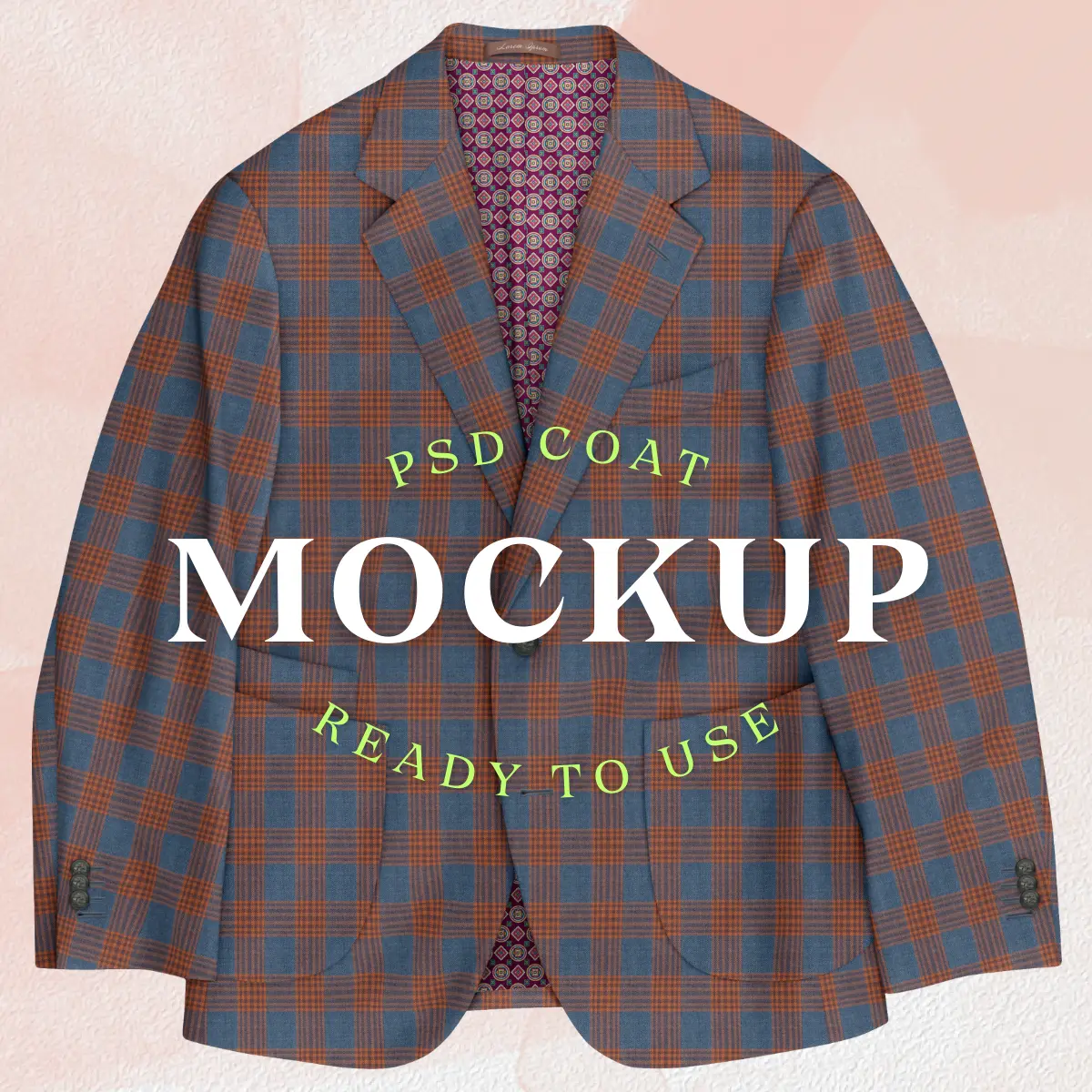
The PSD Custom Jacket Mockup ($18) is the bespoke jacket mockup to pick for tailors, because it lets you swap pocket styles on one jacket. Pockets are a standard bespoke decision, and this file puts them in front of the client.
What it shows
The jacket has a notch lapel and double patch pockets by default. The listing names five pocket styles: welted ticket pocket with patch pocket, patch pocket, slanted regular pockets, regular flap pockets and standard pocket. Fabric still goes in through the Smart Object, and a Pattern Overlay option is available too.
Here is a worked example. A client wants to compare three fabrics across all five pocket styles. That is 15 images from one $18 file, with no extra purchase and no fitting room.
One layered file can answer the question "which pockets?" as well as "which cloth?"
Specs and what's included
This is the largest canvas in the group, though the DPI is lower than in the first two. The page lists:
- Price: $18
- Canvas: 3200 x 4000 px at 140 DPI
- Software: Photoshop CC 2023 or later
- File: 1 layered PSD with a Liquify filter for wrapping
- Fabrics: 5 sample jacket, 5 sample lining, 10 repeatable jacket, 10 repeatable lining, plus 2 .PAT files
- Help: video link
Who it suits
Made-to-measure tailors and menswear brands that sell customizable options get the most from it. If you also need a peak lapel look, pair it with the first template. Together they cover the two most common lapel styles for about $37.
4. Men's peak lapel jacket mockup
The Men's Peak Lapel Jacket Mockup ($18) is a clean, mid-size bespoke jacket mockup for designers who want realistic folds and shadows and who run a recent version of Photoshop. It is the one to check first if you have updated to CC 2024.
What it shows
It shows a men's peak lapel jacket with realistic folds, seams, buttons, pockets and shadows. You replace the cloth through a Smart Object, then change colors, patterns, prints or textile designs. Lining fabric is supplied, so you can present an inside-and-out combination.
Specs and what's included
Mind the software requirement here. It is one version newer than the templates above. The listing gives you:
- Price: $18
- Canvas: 2845 x 3443 px at 96 DPI
- Software: Photoshop CC 2024 or later
- File: 1 editable layered PSD
- Fabrics: 5 repeatable jacket fabrics and 5 repeatable lining fabrics
- Help: video link
The 96 DPI setting is a metadata label, and the pixel dimensions do the real work. At 2845 px wide, the image is large enough for a product page or a lookbook spread.
Check your Photoshop version first, because this file needs CC 2024 or later.
Who it suits
Pick this template if you build web store listings or client lookbooks and want a peak lapel at a middle price. Designers on an older Photoshop release should choose the first or second template, which open in CC 2023.
5. Jacket mockup PSD for store and banner images
The Jacket Mockup PSD ($20) is a bespoke jacket mockup built for online stores and website banners. It is the priciest of the five, and its edge is a tall canvas, not raw pixel count.
What it shows
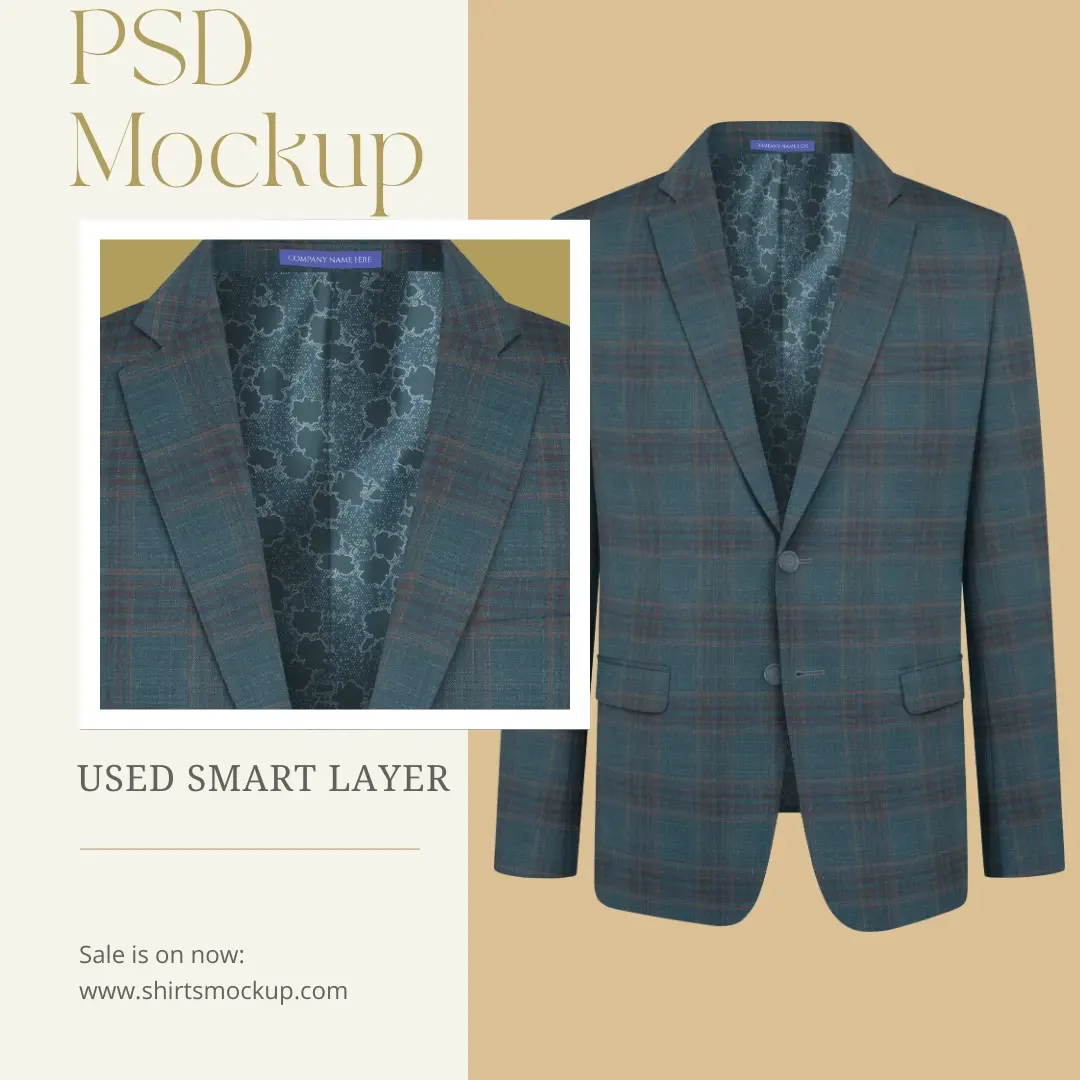
The mockup lets you apply your own fabric or pattern to the jacket, then export images for your store, banners or client presentations. You get two routes for cloth: the Smart Object, and a Pattern Overlay option that works as a second method. Each element sits on its own layer, which makes small edits quick.
Specs and what's included
At 1920 px wide, the canvas matches a full-width website banner, though it is the smallest pixel count in this group. The listing shows:
- Price: $20
- Canvas: 1920 x 3110 px at 300 DPI
- Software: Photoshop CC 2023 or later
- File: 1 layered PSD with a Liquify filter for smooth wrapping
- Fabrics: 5 sample jacket, 5 sample lining, 10 repeatable jacket, 10 repeatable lining, plus 2 .PAT files
- Help: video link
Choose this file for web images, and choose the 300 DPI peak lapel file when you need to crop in tight.
Who it suits
It fits store owners and brands who publish jacket images online and want fast fabric swaps without a studio day. If your final images go on screens, the tall format works well. For print or heavy cropping, one of the first three templates gives you more room.
Picking the right template
A good bespoke jacket mockup separates the cloth from the lining, holds its detail at a size you can use, and matches the cut you sell. The first template covers classic peak lapels at 300 DPI. The second is the budget route at $15. The third adds pocket options, the fourth suits CC 2024 users, and the fifth is tuned for web banners and store listings.
If you are unsure, start with the peak lapel file and test it on three of your own fabrics. You will know within an hour whether the workflow replaces your sample photos. You can open the peak lapel jacket mockup page, check the preview, and match it against your line before you buy.
Comments
No comments yet. Start the conversation.