By Tojo9 min read
The best fabric pattern blazer mockup for tailoring is a layered Photoshop PSD with a Smart Object for the jacket cloth, a second one for the lining, and a lapel and pocket style close to the cut you actually sell. Of the five below, the Custom Blazer Mockup suits tailors who need front and back views and several pocket styles. The PSD Blazer Mockup suits classic notch lapel work. The two peak lapel blazers suit fast previews for web stores and lookbooks, and the Jacket Mockup PSD suits designers who want a second way to apply cloth.
A swatch tells a client very little about how a glen check or a wide stripe will sit across a lapel, a pocket flap, and a chest. Cutting a test jacket to find out costs cloth and days. A mockup lets you answer the question in minutes and lets the client say yes or no before you touch a bolt.
Every template below is a ShirtsMockup PSD, so you apply your own pattern in Photoshop and export a JPG or PNG. Each entry covers what you get and who it suits. A short method section then shows how to preview a pattern accurately, and a table compares all five side by side.
1. Custom Blazer Mockup
What you get
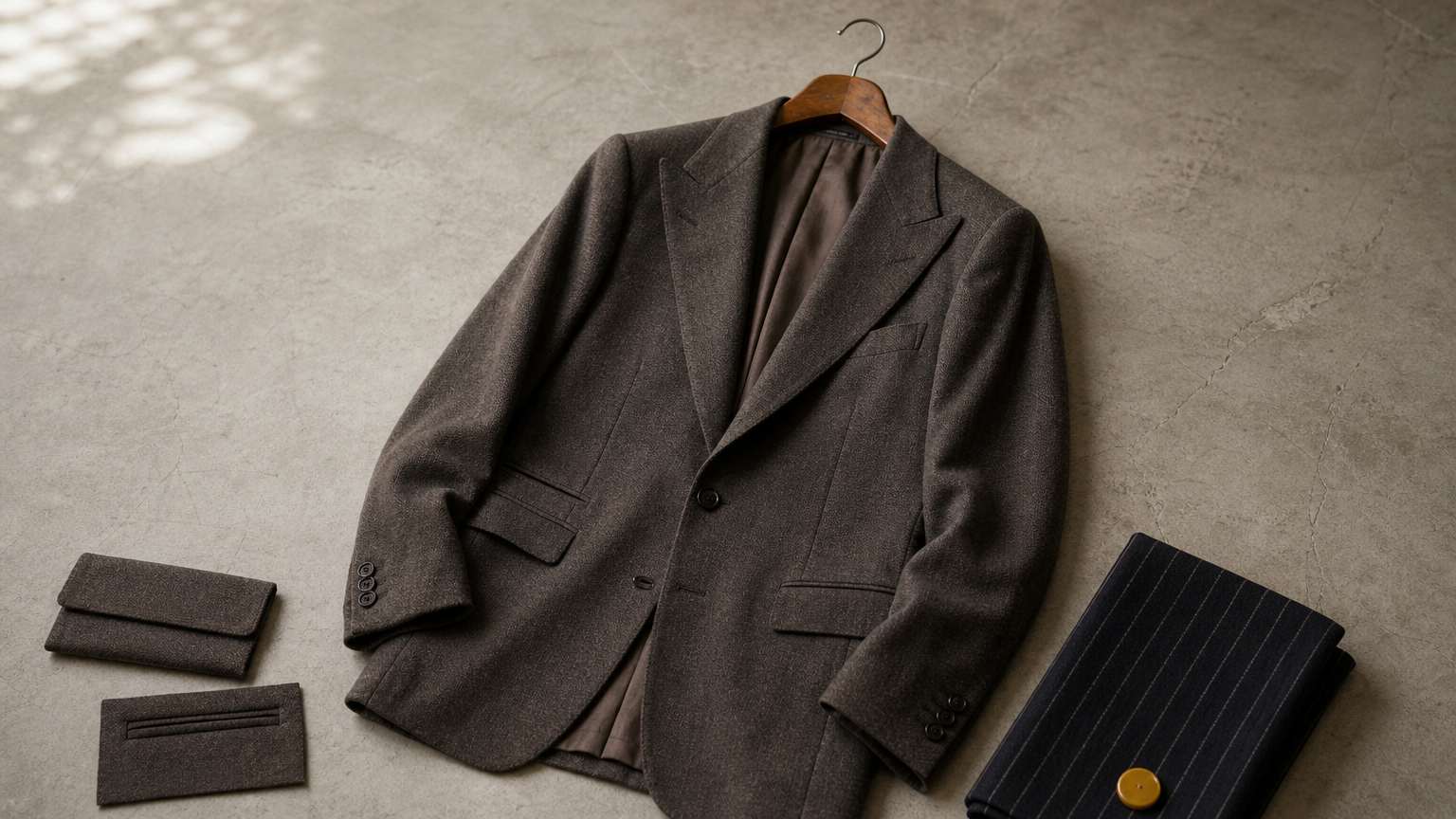
The Custom Blazer Mockup is a six-button wide peak lapel blazer shown from the front and the back. It offers seven side pocket styles. Each element sits on its own layer. You double-click the Smart Object, drop in your pattern, and save.
- Price: $15
- Resolution: 2291 x 2727 px at 300 DPI
- Pockets: patch, flap, flap slanted, flap slanted ticket, flap standard, double welted, double welted ticket
- Included: 1 layered PSD, 5 sample blazer fabrics, 5 sample lining fabrics, 10 repeatable blazer fabrics, 10 repeatable lining fabrics, 2 .PAT files, and a video link
- Requires Photoshop CC 2023 or later
Who it suits
Tailors and made-to-measure brands get the most from it. A client choosing cloth wants to see the back as well as the front. The pocket style also changes how a check reads across the hips, so you can run the same fabric through a flap pocket and a double welted pocket in a few minutes.
The trade-off is the silhouette. As a fabric pattern blazer mockup for tailoring, it carries a wide peak lapel, which is a distinctive, confident cut. If your house style is a quiet two-button notch lapel, the next item is a closer match.
Choose this one when clients want to see the back and the pocket before they pick the cloth.
2. PSD Blazer Mockup
What you get
The PSD Blazer Mockup is a classic two-button notch lapel blazer with side flap pockets, shown front and back. Fabric goes in through a Smart Object, and the lining is a separate swappable layer. The file is high resolution at 300 DPI, so you can crop tight on a lapel without losing sharpness.
- Price: $15
- Resolution: 2291 x 2727 px at 300 DPI, about 7.6 by 9.1 inches at print size
- Cut: two-button notch lapel, side flap pockets, front and back views
- Included: 1 layered PSD, 5 sample blazer fabrics, 5 sample lining fabrics, 10 repeatable blazer fabrics, 10 repeatable lining fabrics, 2 .PAT files, and a video link
- Requires Photoshop CC 2023 or later
Who it suits
This is the everyday business blazer, so it fits tailors and brands selling conventional jackets. Pinstripes, herringbone, and fine checks look natural on it because the cut does not compete with the cloth. The notch lapel is also what most clients picture when they ask for "a blazer".
The pockets are fixed as flaps. If you need to show patch or welted pockets, use the Custom Blazer Mockup above. As a fabric pattern blazer mockup for tailoring on a traditional cut, this is the simplest choice.
For a traditional business blazer, this is the template that disappears behind your cloth.
3. Peak Lapel Blazer Mockup PSD
What you get
The Peak Lapel Blazer Mockup PSD is a tailored jacket with classic peak lapels, front buttons, flap pockets, long sleeves, and a detailed lining. A Photoshop Smart Object replaces the jacket fabric. The folds, stitching, highlights, and shadows stay in place, so the pattern follows the garment.
- Price: $17
- Resolution: 1696 x 2528 px at 96 dpi
- Included: 1 editable PSD, 5 free repeatable jacket fabrics, 5 free repeatable lining fabrics, and a video link
- Export: JPG, PNG, or another supported format
- Requires Photoshop CC 2024 or later
Who it suits
It works well for web store listings, lookbooks, and email previews to clients. At 1696 pixels wide, the image is sharp on screen. For a 300 DPI print it covers about 5.7 by 8.4 inches, which is fine for a swatch card or a portfolio page but small for a poster.
Choose it as a fabric pattern blazer mockup for tailoring when speed matters more than extra views. You open the file, swap the cloth, and export. The peak lapel also gives stripes and checks a strong diagonal to play against, which makes it a good test for how a pattern behaves on an angled edge.
A quick, clean peak lapel preview for screens, not for large print.
4. Custom Blazer Mockup PSD
What you get
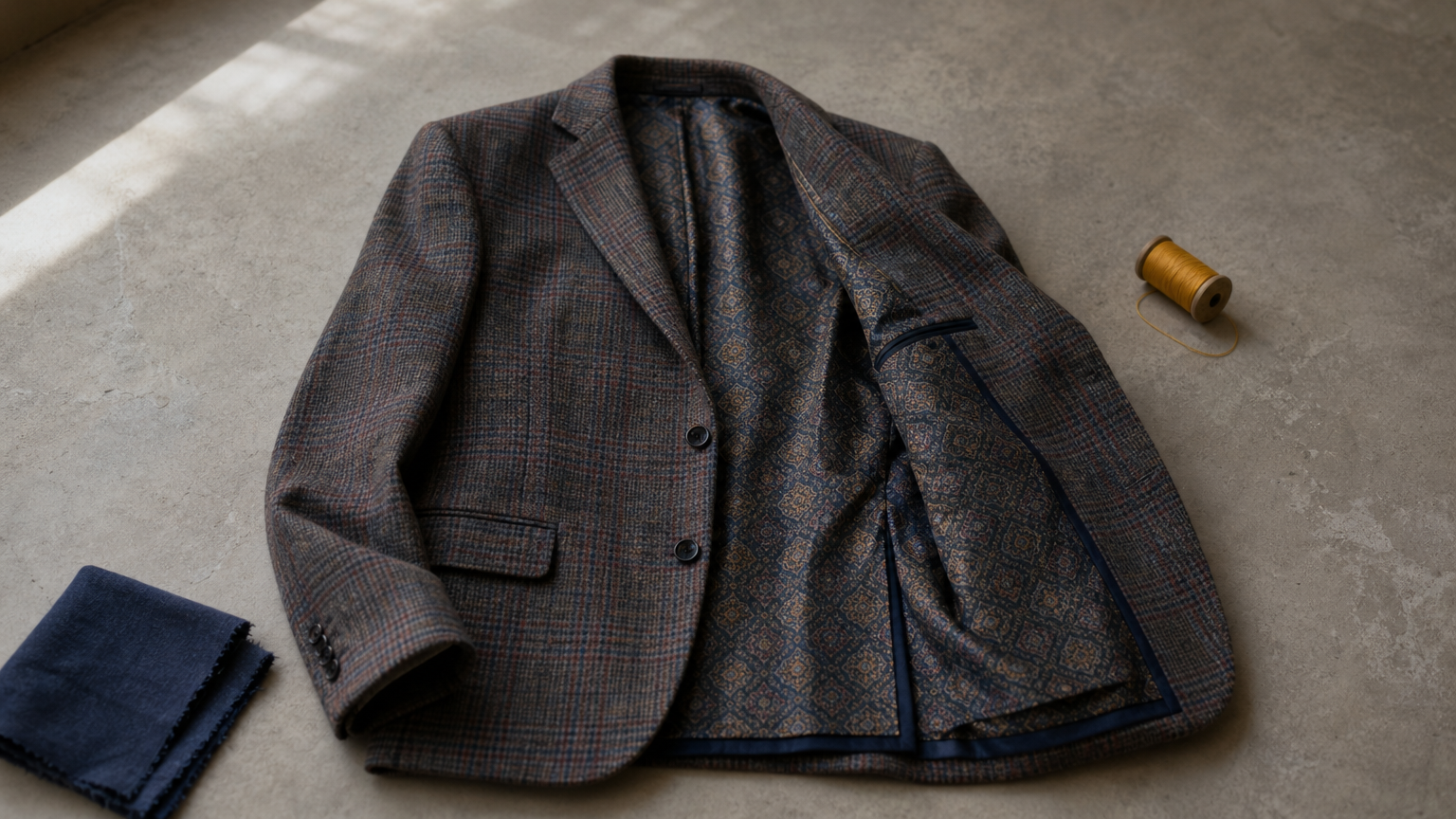
The Custom Blazer Mockup PSD is a peak lapel suit jacket with a single front button and flap pockets. It ships showing a plaid jacket with a contrasting patterned lining. A Smart Object replaces the cloth, and a Liquify filter map helps the fabric wrap naturally around the garment.
- Price: $17
- Resolution: 1696 x 2528 px at 96 DPI
- Included: 1 layered PSD, 5 complimentary jacket fabric samples, 5 complimentary lining samples, and video tutorial links
- Cut: front view, single button, flap pockets, peak lapel
- Requires Photoshop CC 2024 or later
Who it suits
Pick this one when the lining is part of the story. Bespoke tailors often sell the surprise inside the jacket, and this template lets you show a bold lining against a plain outer cloth, or the reverse. With this fabric pattern blazer mockup for tailoring, clients see the full combination before ordering.
It also suits designers working with large plaids and windowpane checks. Because the sample is already a plaid, you can see right away how your own check compares at the same scale. It shows the front only, so add another template if you need a back view.
Use it when the lining and the cloth need to be judged together.
5. Jacket Mockup PSD
What you get
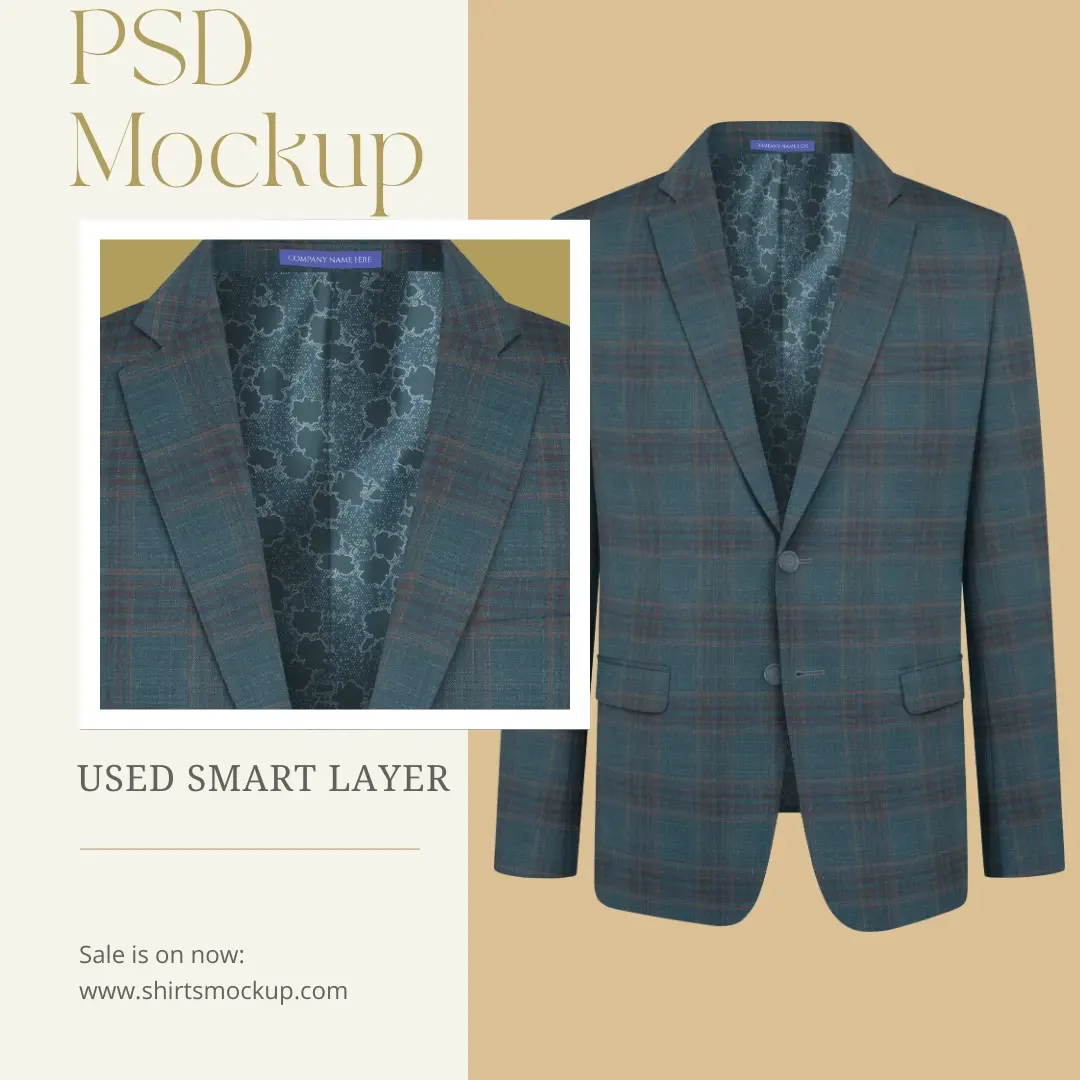
The Jacket Mockup PSD is a photo-realistic jacket template that gives you two ways to apply cloth. You can use the Smart Object, or you can use a Pattern Overlay option. Each element sits on its own layer, and a Liquify filter keeps the wrapping smooth.
- Price: $20
- Resolution: 1920 x 3110 px at 300 DPI, about 6.4 by 10.4 inches at print size
- Included: 1 layered PSD, 5 sample jacket fabrics, 5 sample lining fabrics, 10 repeatable jacket fabrics, 10 repeatable lining fabrics, 2 .PAT files, and a video link
- Requires Photoshop CC 2023 or later
Who it suits
It suits designers who build many fabric variations and like having a second application method. If a pattern looks flat through the Smart Object, the Pattern Overlay gives you another route to the same result. The taller canvas also leaves room for more of the garment length.
This template is a general jacket, and its description does not name a lapel style. Check the product page to confirm the cut matches your line before you buy. If you need a specific lapel, one of the four blazers above is the safer pick.
Choose it for flexibility in how you apply cloth, not for a specific lapel.
How to preview a fabric pattern before you cut
Prepare a seamless pattern tile
A good fabric pattern blazer mockup for tailoring starts with a clean, repeatable tile of your cloth. A pattern that does not tile will show visible seams across the jacket. Follow these steps for any of the five templates.
- Photograph or scan the swatch flat, square to the camera, in even light.
- Crop to one full pattern repeat and make the edges tile seamlessly.
- Open the PSD and double-click the jacket Smart Object.
- Paste or place your tile, scale it, and save the Smart Object.
- Repeat on the lining layer, then export a JPG or PNG.
ShirtsMockup includes video links for creating a repeatable pattern and adding it in Photoshop, which helps if tiling is new to you.
Check scale and limits
Scale is where most previews go wrong. Measure one repeat on your real cloth, then compare it with the jacket. A men's blazer is roughly 17 to 19 inches across the shoulders. A 2-inch check should fit about nine times across an 18-inch shoulder line. If your preview shows three giant squares or thirty tiny ones, the scale is off and the client will judge the wrong cloth.
Remember what a mockup cannot do. It shows the overall look of the pattern on the cut. It does not replace a cutting layout, and it does not show how checks will match at the seams of a real garment. Use the image to win the decision, and let your pattern maker plan the matching.
A correct scale in the mockup matters more than a perfect resolution.
Compare the five at a glance
| Mockup | Price | Cut | Resolution | Fabric files |
|---|---|---|---|---|
| Custom Blazer Mockup | $15 | Six-button wide peak lapel, 7 pocket styles | 2291 x 2727, 300 DPI | 5 + 5 samples, 10 + 10 repeatable |
| PSD Blazer Mockup | $15 | Two-button notch lapel, flap pockets | 2291 x 2727, 300 DPI | 5 + 5 samples, 10 + 10 repeatable |
| Peak Lapel Blazer Mockup PSD | $17 | Peak lapel, front buttons, flap pockets | 1696 x 2528, 96 dpi | 5 + 5 repeatable |
| Custom Blazer Mockup PSD | $17 | Peak lapel, single button, plaid and patterned lining | 1696 x 2528, 96 DPI | 5 + 5 samples |
| Jacket Mockup PSD | $20 | General jacket, Pattern Overlay option | 1920 x 3110, 300 DPI | 5 + 5 samples, 10 + 10 repeatable |
If you sell classic business wear, start with the PSD Blazer Mockup. If clients ask for backs and pockets, start with the Custom Blazer Mockup. If you mostly publish to screens, the two 1696 px files are enough.
Pick one and test your cloth
Match the template to your cut first, then to your output. A notch lapel line needs the PSD Blazer Mockup, a pocket-heavy bespoke service needs the Custom Blazer Mockup, and a lining-led pitch needs the Custom Blazer Mockup PSD. Prepare a seamless tile, check the scale, and show the client the cloth on the jacket before any cutting begins.
To start with the most flexible option, open the Custom Blazer Mockup. It gives you the front and back views, seven pocket styles, and sample fabrics to practice with.
Comments
No comments yet. Start the conversation.