By RajIn Fashion7 min read
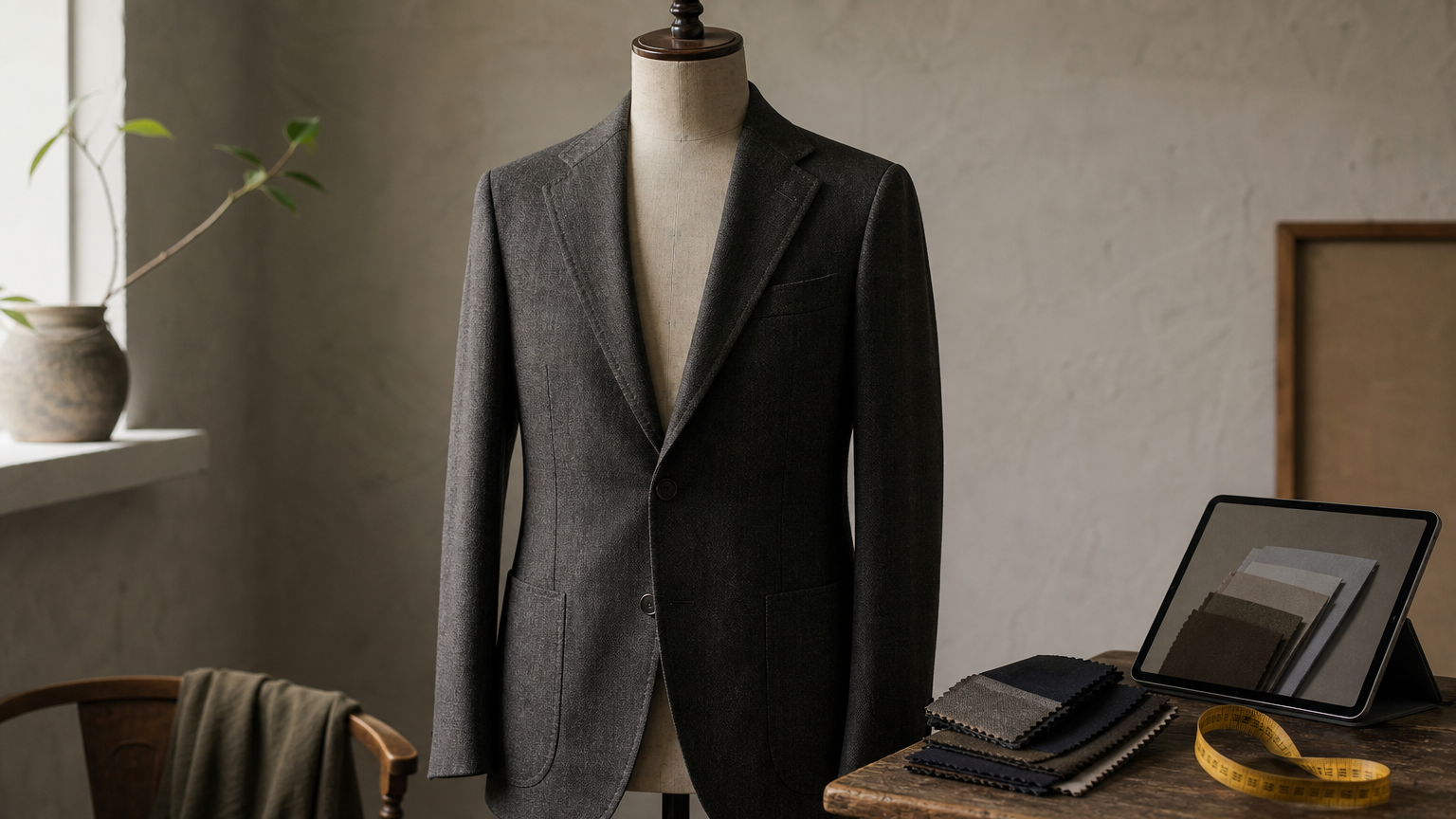
Picking a suit, shirt, and tie by imagination is a gamble. A navy suit with the wrong shade of blue shirt looks flat, and a tie that clashed in the store clashes harder in wedding photos. A suit color combinations generator lets you test pairings on screen before you spend a dollar on fabric or a rental.
The short answer: the best tools let you swap suit, shirt, and tie colors live and see the result on a realistic figure. Some are built for shoppers, others for tailors and designers who need to show clients options. Below, we list the tools worth your time and say what each one does well, so you can pick fast.
We also look at what each tool is best for, whether that is a wedding party, a business wardrobe, or a client presentation. If you design or sell formalwear, we also cover when a generator is not enough. At ShirtsMockup, we make layered PSD suit mockups, so we know where online builders stop and custom visuals begin.
1. ShirtsMockup PSD suit mockups
How it works
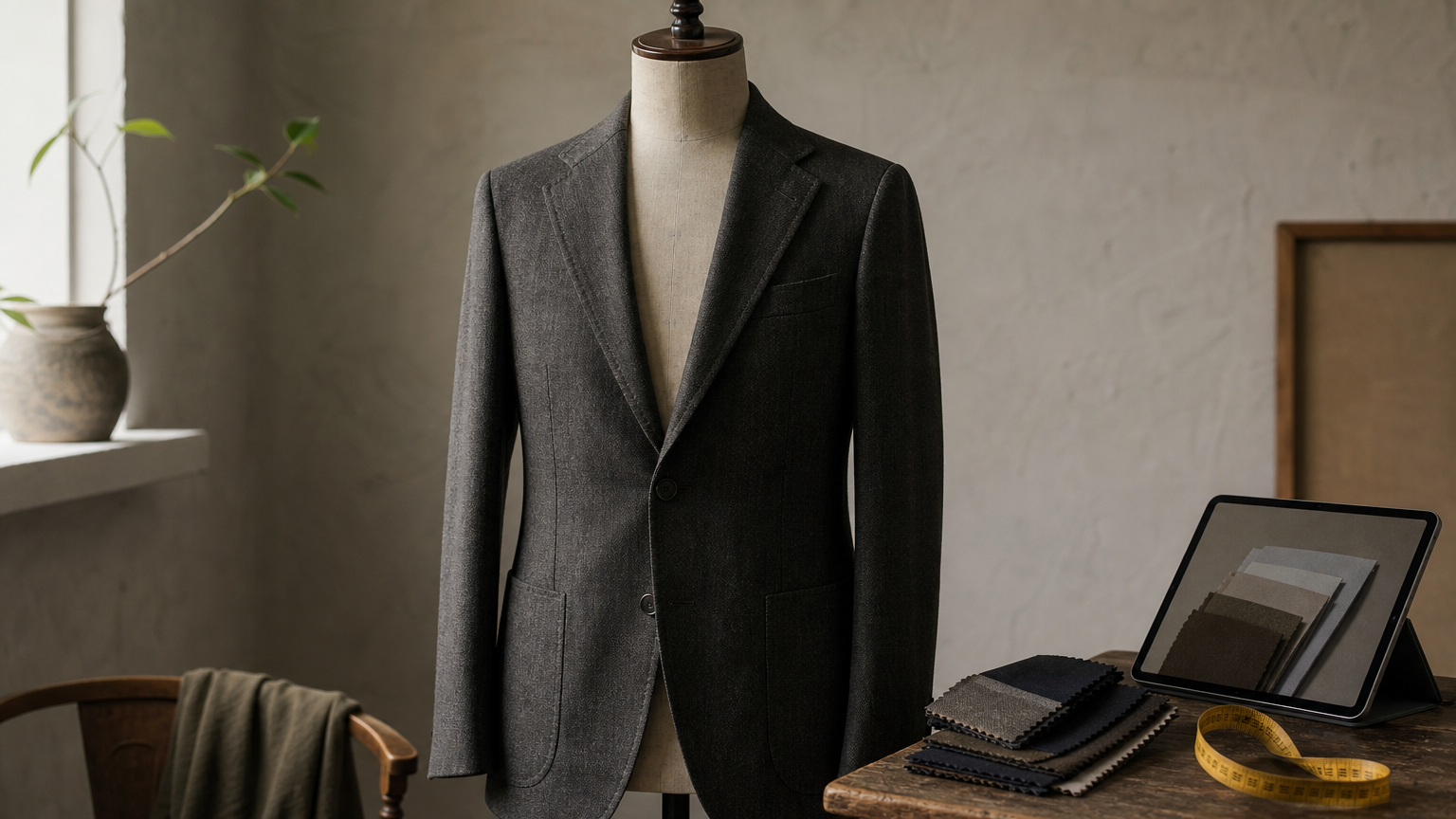
Our own library comes first because it solves a different problem than a browser toggle. ShirtsMockup sells downloadable PSD suit mockups for suits, tuxedos, dress shirts, blazers, vests, pants, and women's suits. You open a file in Photoshop and recolor each piece on its own layer, which makes it a hands-on suit color combinations generator for anyone who knows the program. The layering keeps shadows and folds separate, so a new color still looks photo-realistic.
What you can change in a typical file:
Jacket, shirt, and pants colors
Fabrics, textures, and patterns
Lapel styles and jacket linings
PNG assets are included for quick use
A browser tool shows you options, but a layered PSD lets you build the exact look you present or sell.
Best for
Tailors and formalwear brands get the most from it. You can show a client five fabric and color options in an afternoon, with no photo shoot and no sample orders.
Online sellers and print-on-demand shops benefit too. Once a look is finished, you export clean images for listings and lookbooks instead of paying for photography.
Limitations
Photoshop is required, and you need basic comfort with layers and smart objects. If you only want to preview a wedding outfit for yourself, this is more work than you need.
Each template is also a paid download, while most browser builders are free to try. Expect a slower process than drag-and-drop in exchange for far more control over the final image.
2. Hockerty online 3D suit builder
How it works
Hockerty is a made-to-measure brand, and its online 3D suit builder sits inside the ordering flow. You pick a fabric, then adjust the details while the preview updates. For the jacket and trousers, it works as a quick suit color combinations generator.
Choose fabric color and pattern
Change lapels, buttons, vents, and lining
Rotate the preview, then order if you like it
Best for
Shoppers ready to buy a custom suit get the most from it. Grooms and groomsmen can compare fabric and lining choices and then order the exact look they previewed.
Beginners need no design skills. The builder is free to try until you reach checkout.
Limitations
Shirt and tie testing is thin. The tool centers on the suit, so you will match shirts and ties elsewhere.
Screen color is also unreliable. A charcoal that looks perfect on your monitor can read differently in daylight, so request fabric swatches before you commit.
Hockerty previews a suit you can buy, not a full outfit you can freely experiment with.
3. 3D Suit Designer
How it works
3D Suit Designer is a browser-based configurator that renders a suit in three dimensions as you edit it. You click a jacket, vest, or trouser piece, pick a color or fabric, and the model updates at once. That makes it a fast suit color combinations generator for testing tones.
Set colors for each garment piece
Switch lapel, button, and pocket styles
Spin the model to check the back and sides
A 3D view catches color clashes that a flat photo hides.
Best for
Planners who think visually get the most from it. Couples and groomsmen can compare three or four looks in minutes, then screenshot favorites for a group chat.
It also works as a pure sketchpad. Because it is not tied to one tailor, you can settle on a palette first and shop wherever you like.
Limitations
Outfit coverage is narrower than the suit itself, so confirm shirt and tie options before you plan a full look around it. Features can change between versions.
Renders are stylized, not photographic. They work for personal planning, but they are not client-ready images. For lookbooks or store listings, you still need a layered PSD.
4. Swagger & Swoon suit and tie colour visualiser
How it works
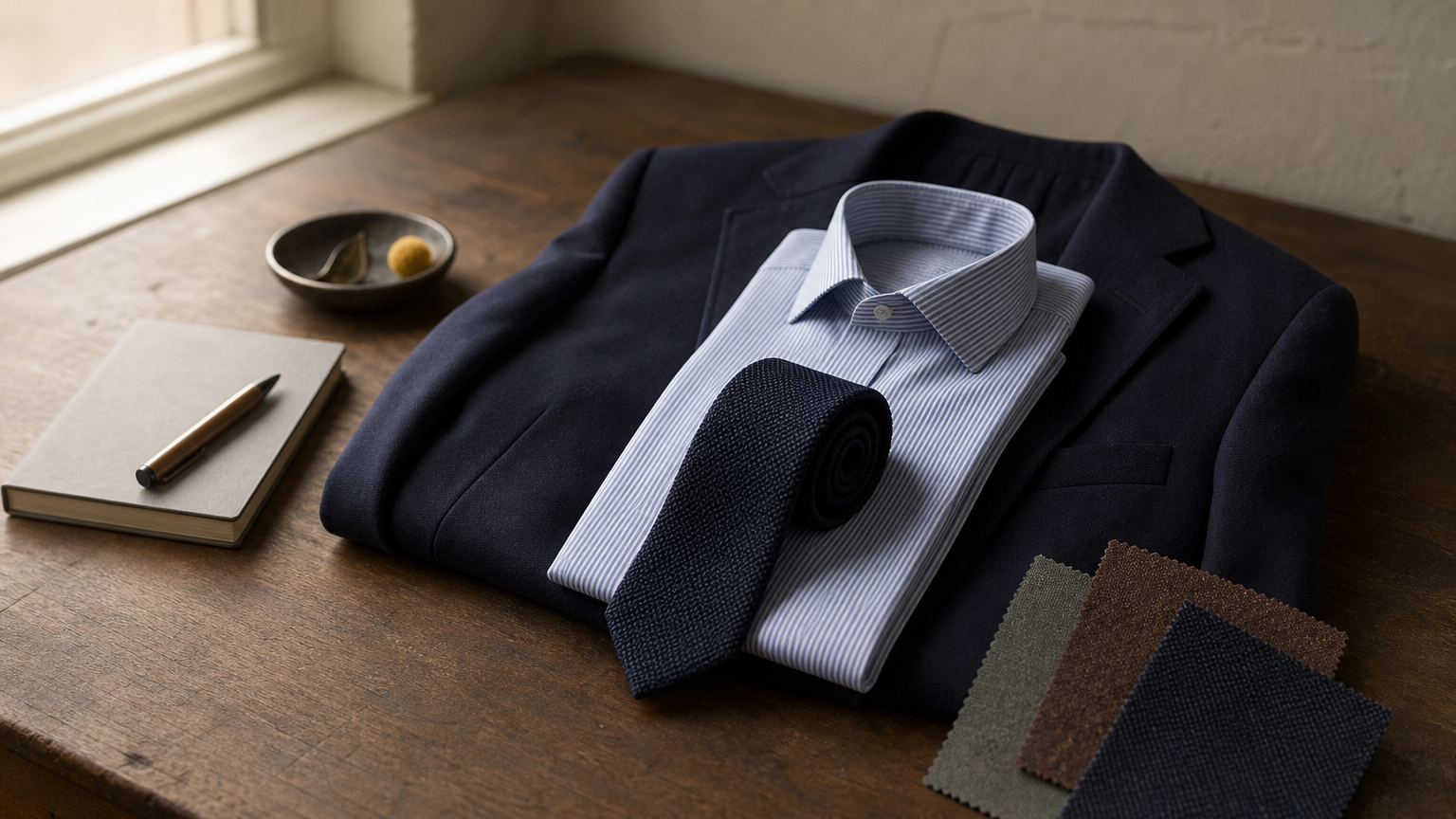
Swagger & Swoon offers a suit and tie colour visualiser that works like a digital outfit board. You choose a suit color, then a shirt and a tie, and the preview shows all three together. It is a simple suit color combinations generator for whole outfits rather than fabric details.
Pick suit, shirt, and tie colors from swatches
Compare the full trio at a glance
Try several combinations in one sitting
Seeing all three pieces together is what exposes a bad match.
Best for
Wedding guests and groomsmen get the most from it. The usual problem is matching a tie to a suit you already own, and here you can settle shirt and tie pairings in minutes.
Quick decisions suit it too. Since the tool focuses on the outfit and not on ordering, it is good for planning before you shop, with no pressure to buy anything.
Limitations
Detail is limited. Expect flat, simplified visuals without fabric texture, patterns, or lapel options, so you will not see how a pinstripe or a tweed actually reads.
Finally, the output is a preview, not a file. You cannot edit or publish it as a client mockup or a store image. For that job, a layered PSD is the better fit.
5. Coolors palette generator and visualizer
How it works
Coolors is not a suit builder. It is a palette generator you use to plan colors first and apply them elsewhere. Press the spacebar for a fresh five-color set, lock the shades you like, and let it suggest matches for the rest. As a suit color combinations generator, it covers the color theory behind the outfit.
Lock a suit color, then generate shirt, tie, and pocket square shades
Copy exact HEX codes for each color
Pull a palette from a photo of a venue or a fabric swatch
Coolors picks the palette, but you still have to dress the figure.
Best for
Wedding planners get a lot from it. You can build a palette around the venue, flowers, and bridesmaid dresses, then carry the colors into a suit builder.
Designers value the exact HEX values. They keep a client's look consistent across a lookbook, a website, and packaging, and you can paste the same codes into a PSD mockup.
Limitations
Swatches are not garments. You cannot see a suit on a body, so a palette that looks balanced on screen can feel different once it is wool and cotton.
Some features, such as larger saved libraries, sit behind a paid plan, so check current pricing. Pair it with another tool from this list to test the palette on an actual suit before you commit.
Picking the right tool for your look
Your goal decides the tool. If you are buying a custom suit, start with Hockerty or 3D Suit Designer. For a full suit, shirt, and tie outfit, Swagger & Swoon shows all three pieces together. Coolors comes first when you need a palette built around a venue or a brand.
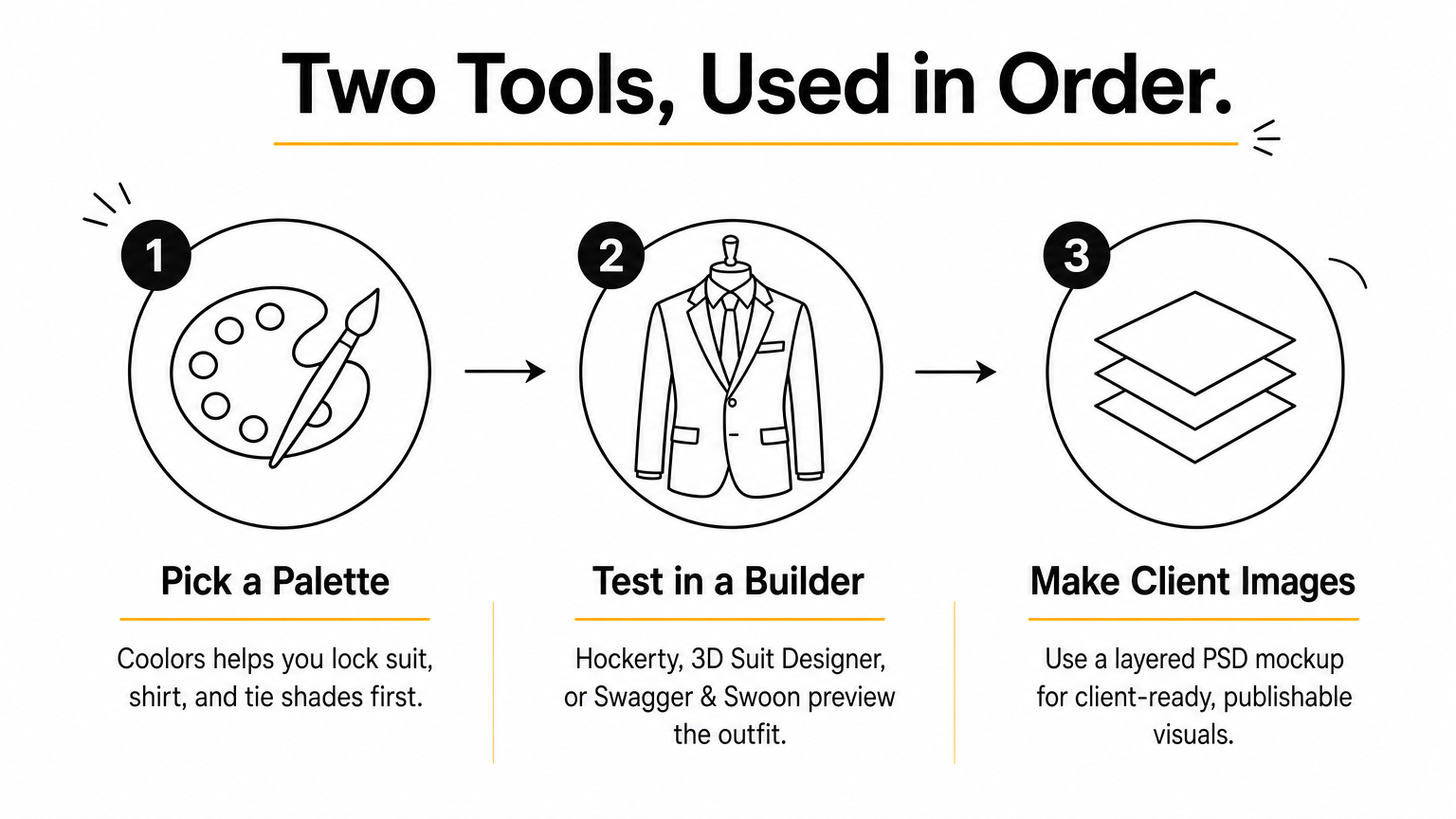
Most people do best with two tools used in order. Pick a palette, then test it in a builder. That makes any suit color combinations generator more useful, because you arrive with colors already chosen instead of guessing.
Designers and sellers hit a wall with browser previews, since you cannot edit or publish them. If you need client-ready images, try our layered PSD suit mockup with sample suit, pants, shirt, and tie fabrics. You recolor every piece yourself in Photoshop, with no photo shoot required.
Comments
No comments yet. Start the conversation.