By RajIn Fashion8 min read
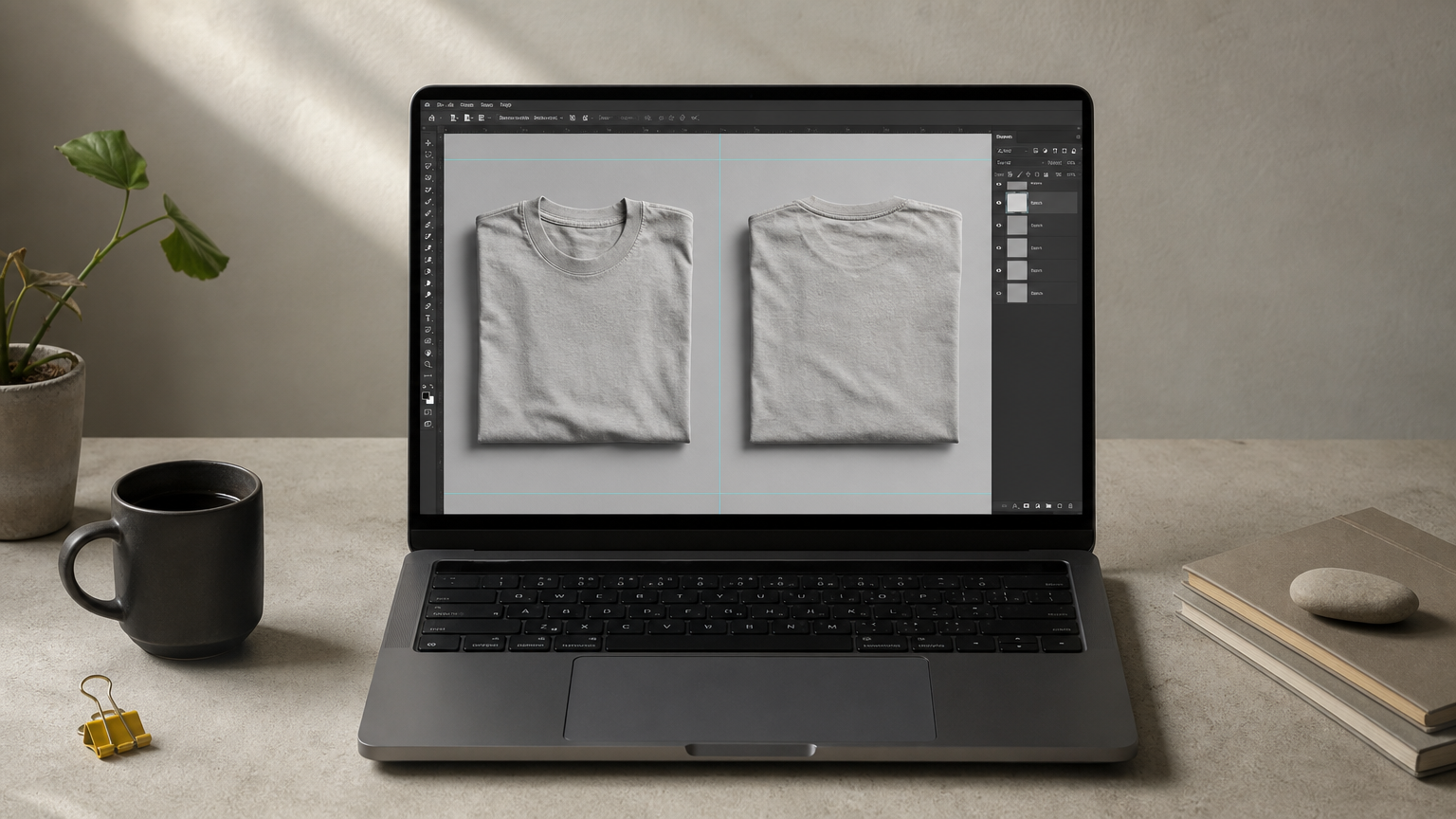
If your t-shirt design has anything happening on the back, a single front-view mockup doesn't tell the whole story. Buyers want to see both sides before they commit, and print-on-demand platforms increasingly expect it too. That's exactly why a solid front back t-shirt mockup belongs in your toolkit, whether you're prepping listings for your own shop or building out a client presentation.
Finding one that actually looks realistic, without dragging you into a clunky online generator, is harder than it should be. Most free options look flat and fake, and paid tools often lock the good angles behind a subscription. What you need is a layered shirt mockup PSD file you can customize in minutes, with fabric texture, shadows, and folds that read as real fabric rather than a sticker slapped on a template.
That's what this list covers. We picked five t-shirt front-and-back mockups that give you both views in one file, work smoothly in Photoshop, and hold up whether you're showcasing a single design or an entire hoodie-and-tee lineup. Each option below gets a quick rundown of what's inside the file, who it suits best, and where to grab it.
1. ShirtsMockup premium front and back t-shirt PSD templates
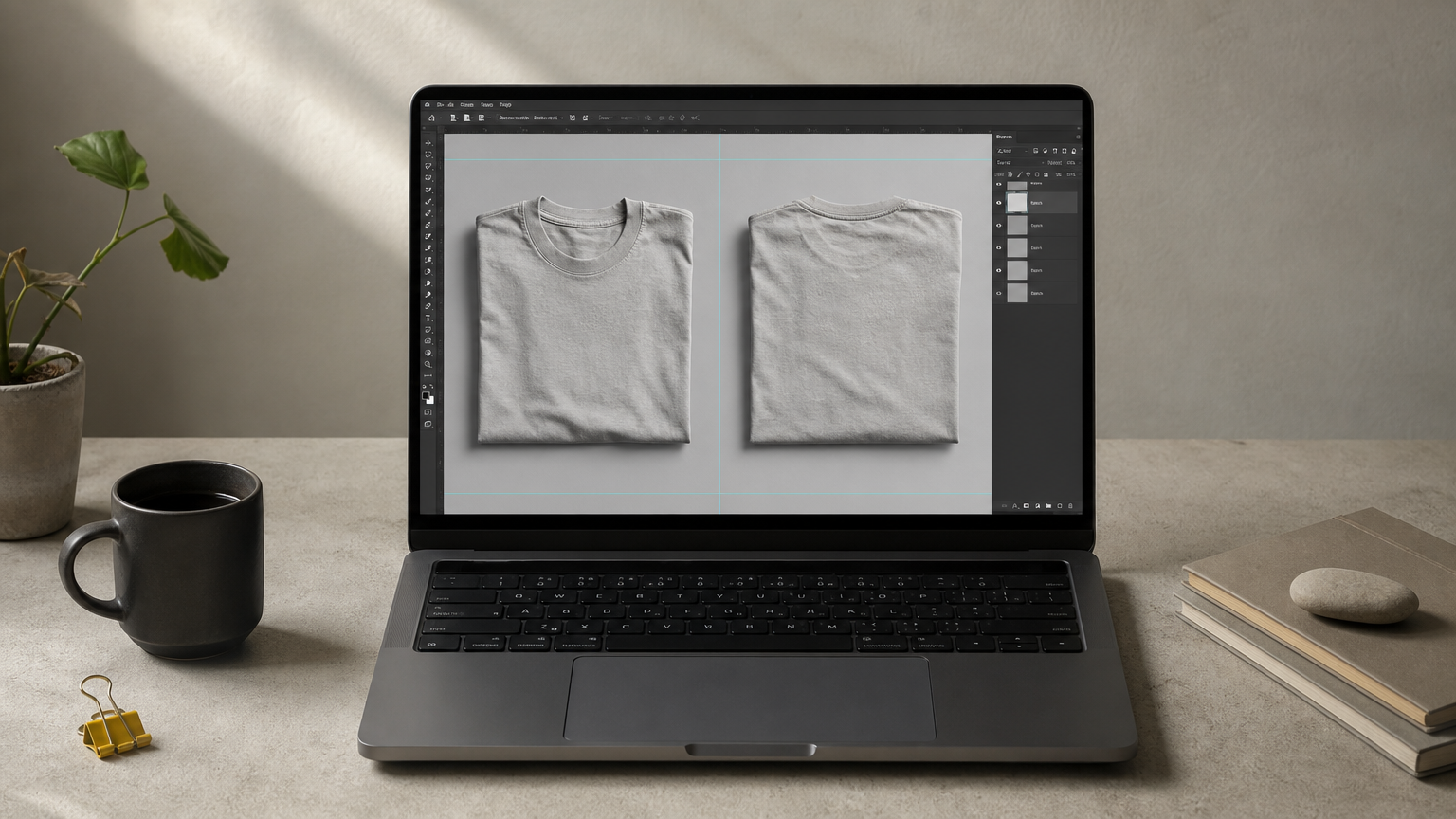
ShirtsMockup builds its t-shirt mockup templates specifically for designers who need both angles in a single, editable file. Every template pairs a front view and back view on separate, clearly labeled layer groups, so you never have to hunt for the right smart object when you're swapping designs between two shots.
Key features
Each file uses a layered PSD structure built around smart objects, meaning you drop your artwork in once and it wraps naturally around collar seams, sleeve folds, and fabric shadows. The realism comes from actual fabric texture and lighting baked into the file, not from a flat overlay, which is what sets this apart from generic free downloads. You also get PNG exports alongside the PSD for quick use in listings that don't need Photoshop.
A mockup only earns its price if the fabric folds and shadows look real enough that buyers forget it's a template.
Who it's for
This set suits print-on-demand sellers and independent apparel brands who need to show a full front-and-back listing without booking a photographer. It also works well for designers building client presentations, since the layered files make last-minute revisions painless rather than requiring a redo from scratch.
Pricing
Templates are sold individually as downloadable digital files, with pricing structured per mockup rather than a recurring subscription. Special offers and best-selling apparel mockup bundles rotate regularly on the site, so it's worth checking those sections before buying a single file.
How to customize it
Open the PSD in Photoshop, double-click the smart object layer for the front or back design, paste your artwork, and save. The shadows and highlights update automatically, and you can adjust fabric color separately using the included layer styles.
2. Placeit online t-shirt mockup generator
Placeit takes a different approach from a downloadable PSD: it's a browser-based generator where you upload your design and instantly preview it on a model or flat-lay template. For anyone who wants a t-shirt mockup front and back without opening Photoshop, this is the fastest route from artwork to finished image.
Key features
The platform runs entirely in your browser, so there's no software installation and no smart objects to learn. It offers video mockups and animated templates alongside static images, plus a library that spans hoodies, tanks, and other apparel beyond basic tees.
Speed wins over control when you just need a listing image today, not a portfolio piece.
Who it's for
This suits sellers without Photoshop skills who need quick turnaround for Etsy or Shopify listings, especially early-stage print-on-demand shops testing designs before investing in premium files.
Pricing
Placeit runs on a monthly subscription, with limited free previews available before you pay to download full resolution.
How to customize it
Upload your artwork, pick a template, adjust placement with on-screen sliders, then export directly, no layered file required.
3. Mockey.ai free front and back mockup tool
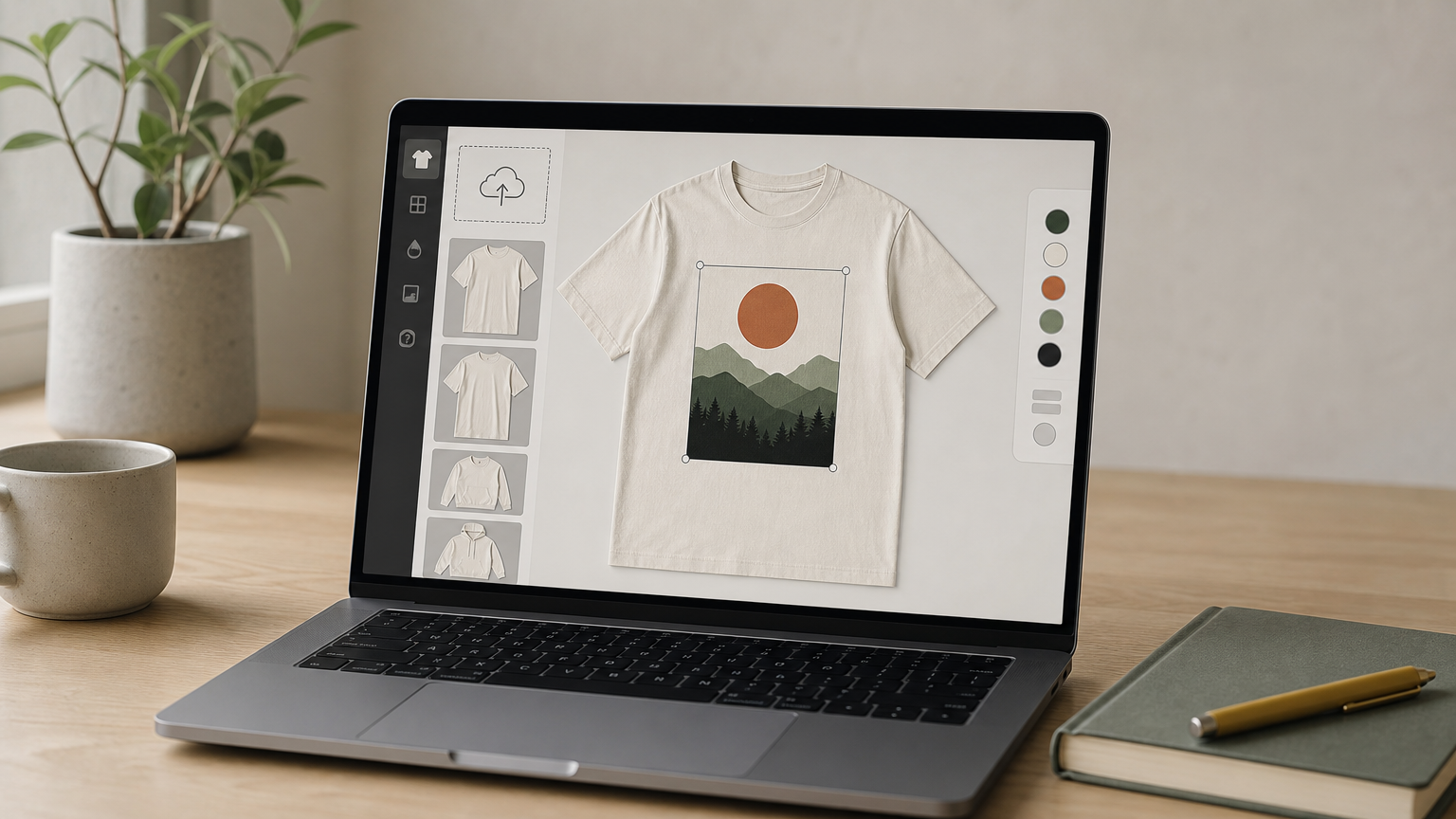
Mockey.ai is a free, browser-based mockup generator built around AI-assisted editing, and it's become a go-to for sellers who want a front-and-back t-shirt mockup without paying for software. You upload your design, pick a template, and the tool places it on both views using its own auto-fit engine.
Key features
The standout here is the AI background removal and auto-adjustment, which saves you from manually masking artwork before placement. It also includes a decent library of apparel angles, not just tees, and lets you export multiple mockups in one session.
Free tools earn their keep when they save you setup time, not just money.
Who it's for
This fits hobbyist sellers and anyone testing a design idea before committing to a paid template, especially those without Photoshop installed.
Pricing
Core features are free with account signup; higher-resolution exports and extra templates are available on a paid tier.
How to customize it
Upload your file, let the AI fit it to the garment, then nudge placement and export as PNG.
4. Unblast and Mockupnest free downloadable PSD mockups
Unblast and Mockupnest are free PSD mockup download libraries where designers upload files for anyone to grab, no account paywall required. Searching either site for a shirt front-and-back mockup turns up dozens of options, though quality varies widely from one upload to the next since there's no central quality check.
Key features
Both sites organize files by category, so you can filter down to apparel and skip the mugs and business cards. Files are typically single PSD downloads with a front and back smart object already grouped, though layer naming and organization vary by contributor, as these aren't produced by a single studio.
Free downloads save money upfront but often cost you time hunting for the one file that actually looks real.
Who it's for
This route suits budget-conscious designers comfortable digging through mixed-quality files to find a usable one, and hobbyists who don't need consistency across a whole product line.
Pricing
Downloads are free, with no subscription or per-file charge, though some contributors ask for attribution.
How to customize it
Open the PSD, locate the smart object layer, paste your design, and save. Expect to spend extra time relinking missing fonts or fixing layer names first.
5. Adobe Stock and Etsy mockup marketplaces
Adobe Stock and Etsy both host thousands of independent creators selling t-shirt front-and-back mockup files individually, which puts them somewhere between a curated studio and a free-for-all download site. You're buying from a single designer's shop rather than a company, so quality and style vary shop to shop, but you can preview reviews and sample renders before paying.
Key features
Marketplace listings usually show a preview thumbnail of both the front and back views up front, plus buyer reviews that indicate whether layers are well organized. Etsy sellers often bundle several colorways or poses into a single purchase, while Adobe Stock aligns with its existing licensing terms for commercial use.
A marketplace listing is only as good as the seller behind it, so check reviews before you check out.
Who it's for
This fits designers who want shop-specific style (streetwear flat lays, vintage-toned photography) that a generic template library doesn't carry.
Pricing
Most files run a one-time fee per listing, typically similar to a single premium PSD, with no subscription required.
How to customize it
Download the PSD, open the smart object layer per view, paste your artwork, and flatten for export.
Picking the right mockup for your next design
Your choice comes down to what you're optimizing for. Generators like Placeit and Mockey.ai win on speed when you need something today and don't touch Photoshop, and a wider comparison of mockup software can help you weigh the trade-offs. Free libraries like Unblast save money but cost you time sorting through inconsistent files. Marketplaces give you variety if you're willing to vet sellers one listing at a time.
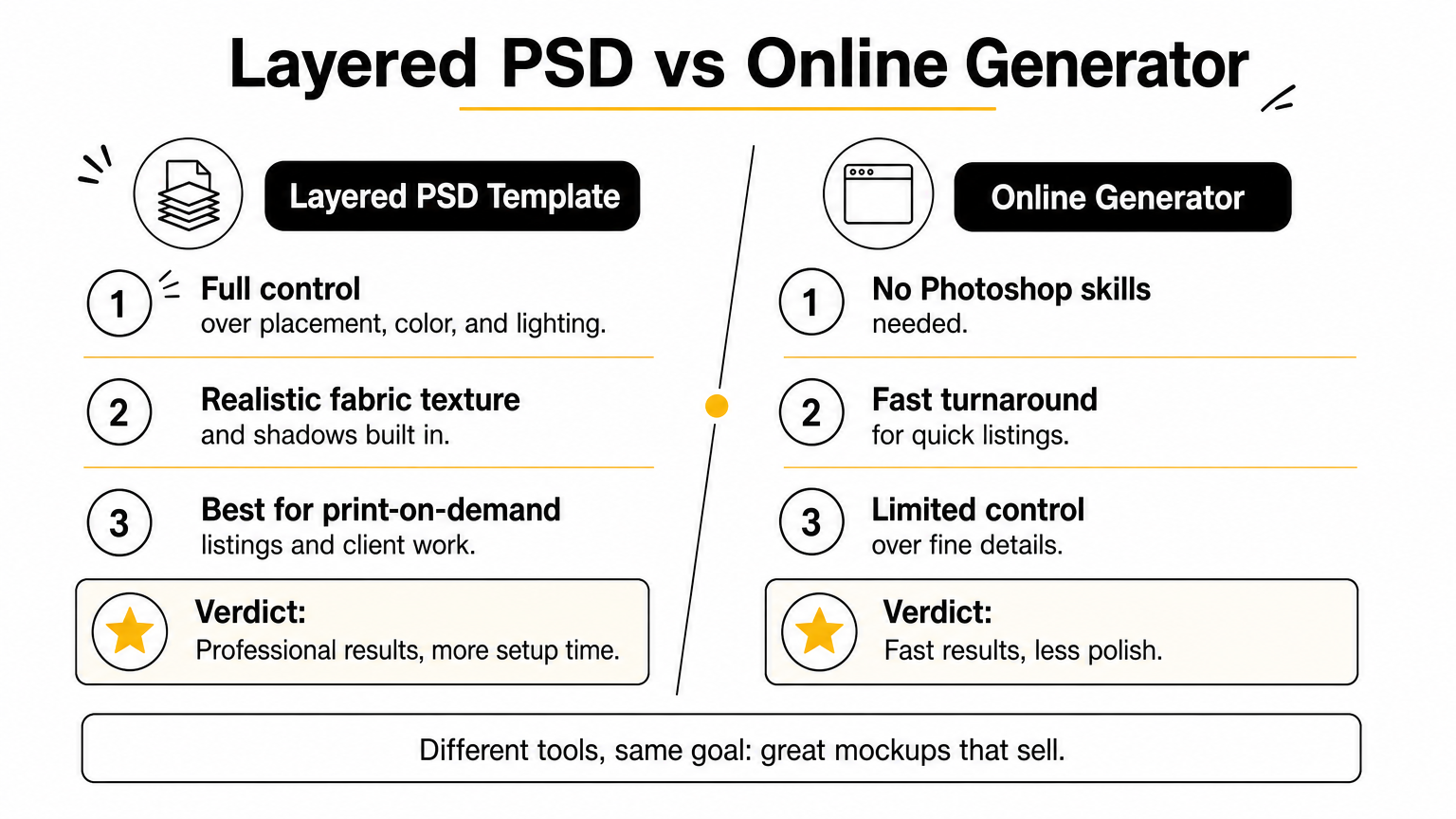
If you want a front back t-shirt mockup that looks professional straight out of the box, with fabric texture and shadows already dialed in, a dedicated layered PSD beats a browser tool every time. You control placement, color, and lighting instead of settling for whatever a generator spits out.
Stop patching together mismatched previews for your listings. Browse ShirtsMockup's customizable t-shirt mockup templates and get a file built to make both sides of your design look as if they were shot in a studio.
Comments
No comments yet. Start the conversation.