By TojoIn Suit7 min read
The best bespoke suit design mockup tool depends on who is doing the designing. If you want to preview a suit for yourself, use a tailor's online 3D builder. If you are a tailor, brand or designer who needs polished images of your own cloths and linings, a layered Photoshop mockup gives you the most control. AI generators suit early concept work, and 3D garment software suits teams that prepare full production files.
The search is confusing because "mockup" means three different things here. Some tools configure a suit you can actually order. Others generate a picture from your choices, and others are files you edit yourself. No single tool does all three jobs, so picking the wrong type wastes money or time.
This list covers five options and puts the one we sell first, because it is built for designers and tailors. ShirtsMockup sells digital PSD files only, and we say plainly where that approach stops. Each item below covers how the tool works, who it suits, and where it falls short.
1. ShirtsMockup PSD suit mockups
How it works
ShirtsMockup sells downloadable Photoshop mockups, not a configurator. You open a photo-realistic suit, double-click the Smart Object, drop in your fabric texture or repeatable pattern, and save. The suit keeps its folds, shadows and stitching, and a Pattern Overlay option gives you a second way to apply cloth. The Bespoke Suit Mockup costs $25 and includes:
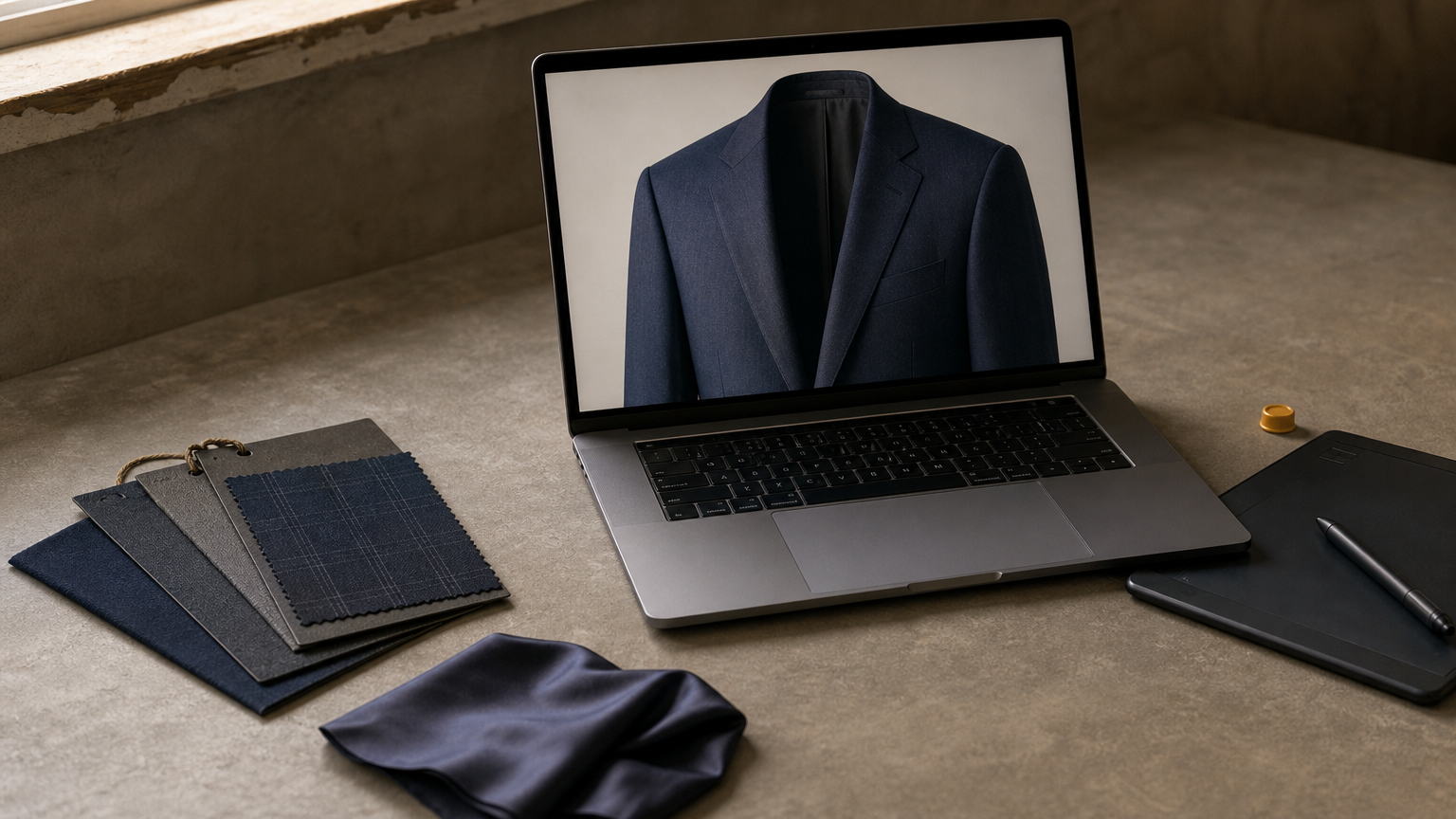
- A layered PSD at 3424 x 5136 px and 300 DPI, for Photoshop CC 2023 or later
- 5 sample suit fabrics and 5 sample lining fabrics
- 10 repeatable suit fabrics and 10 repeatable lining fabrics
- 2 .PAT files and a video tutorial
One $25 file lets you show a client any fabric you stock, without a photo shoot.
Who it suits and where it falls short
This option suits tailors, made-to-measure brands and online stores that need to show fabric options before any cloth is cut. Here is a worked example. A tailor with 20 cloths in the book exports 20 previews from one file, so each preview costs $1.25. The same approach works for jackets, tuxedos, vests and trousers in the wider range.
The limits are real. The file is a static image, so you change fabric and lining, not the cut. Different lapels and pockets need a different mockup. You also need working Photoshop skills. The Regular and Extended licenses bar use in print-on-demand services or any tool where end users customize a product, so you cannot build your own public suit configurator on these files.
2. Tailor-run online 3D suit builders
How it works
These are the builders on tailoring retailers' sites, such as the ones at Suitsupply and Hockerty. You step through fabric, lapel, buttons, pockets and lining, and the 3D preview updates as you choose. Suitsupply's guide, for example, offers over 700 Italian fabrics and a choice of canvas construction, with delivery in 3 to 4 weeks. Typical steps:
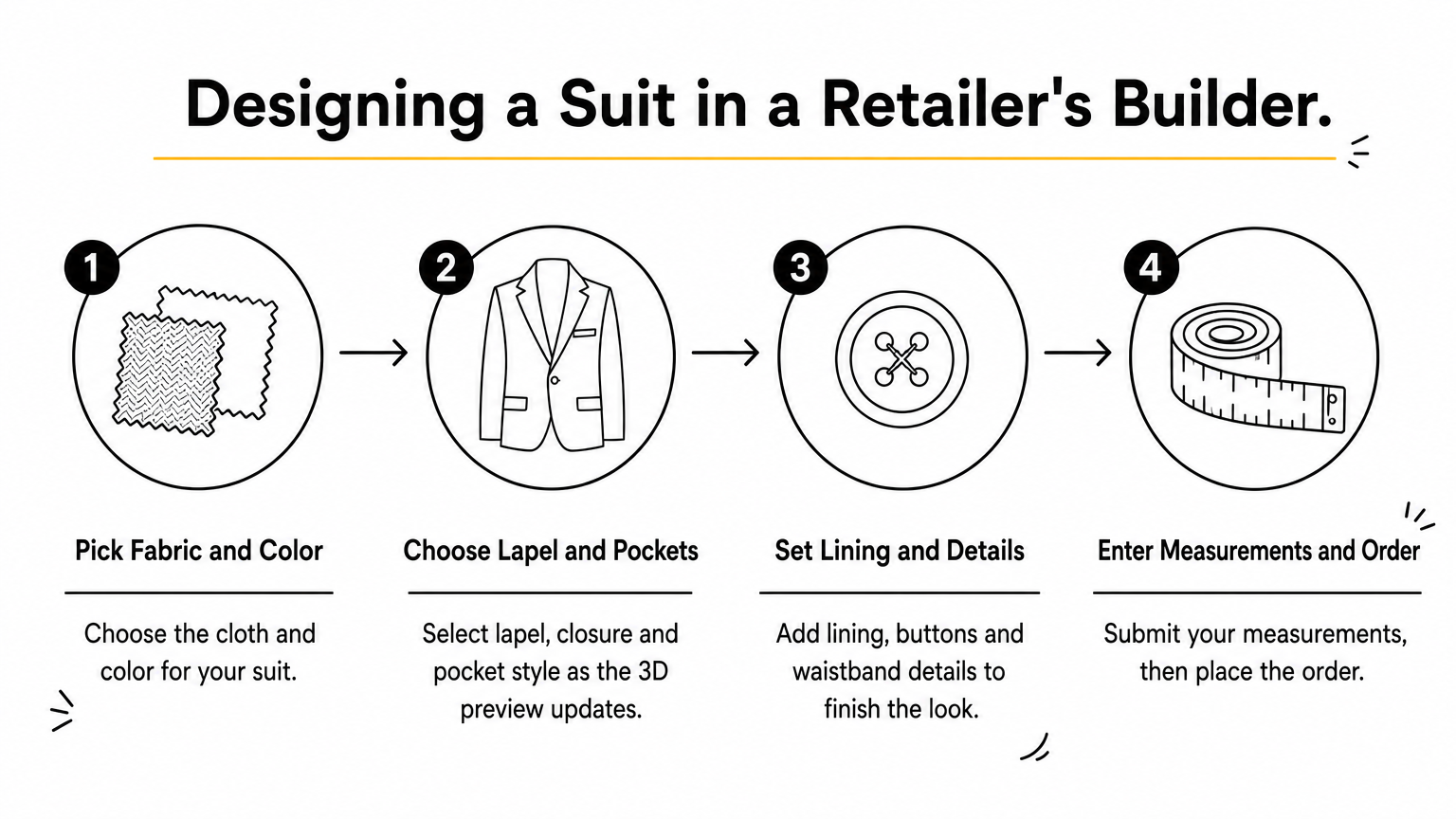
- Pick a fabric and color
- Choose lapel, closure and pocket style
- Set lining, buttons and waistband details
- Enter your measurements and order
If you want to see your own suit before buying it, start with a retailer's builder.
Who it suits and where it falls short
These builders suit wearers, grooms and first-time custom buyers. You can usually explore the options without buying anything, and you pay only when you order. They answer the question "how can I design my own suit" better than any file-based tool.
Remember that the preview is tied to the retailer's catalog, and it is not an asset you can reuse for your own brand. The word "bespoke" is also looser online. A true bespoke pattern is drafted from your measurements, while made-to-measure alters an existing stock pattern. Most online builders sit in the second group.
3. AI suit style generators
How it works
An AI generator creates an image from your choices instead of showing fixed templates. Nathan Tailors' Atelier is one example: you set the cut, lapel, colour and fabric, and it generates a picture of that suit. The workflow is short:
- Describe or select cut, lapel, color and cloth
- Generate several variations
- Keep the ones you like as references
Treat an AI render as a sketch for a conversation, not as a spec for a tailor.
Who it suits and where it falls short
Generators suit early concept work, mood boards and clients who struggle to explain what they want. They are fast, and they let you test combinations that no template offers.
The weakness is accuracy. The output is a rendering, not a pattern, and it can invent seams, pocket placement or cloth behavior that a real garment would not have. Your actual swatch will not appear exactly as photographed. Once a direction is chosen, move to a tool that uses your real fabric.
4. Browser-based clothing mockup generators
How it works
General clothing mockup generators run in your browser. Mock-it, for instance, is built for designers, brands and print sellers to preview, customize and export apparel designs. You pick a garment template, apply a color or artwork, and download the image. A quick test before committing:
- Check whether a tailored jacket template exists
- Look for visible lapels, pockets and lining
- Confirm the export size and commercial-use terms
A generator is only useful for suits if its templates actually model tailoring.
Who it suits and where it falls short
This route suits print sellers and merchandise brands who need many garment types in one place. If your catalog is mostly T-shirts and hoodies with an occasional blazer, one generator can cover it.
Formal tailoring is where these tools tend to be thin. Templates are usually designed around printed apparel, so details like canvas construction, jacket lining and lapel shape may be missing. Free stock PSDs exist too, but license terms and quality vary, so read the license before using one in client work.
5. 3D garment software and CAD templates
How it works
Professional tools sit at the heavy end. CLO 3D and Adobe Illustrator are popular with fashion designers, and Scanatic Studio targets tailoring businesses with 3D design and virtual product images. Flat CAD packs, such as a 42-drawing menswear set that includes 14 suit jackets, give you technical drawings to edit. The two approaches differ:
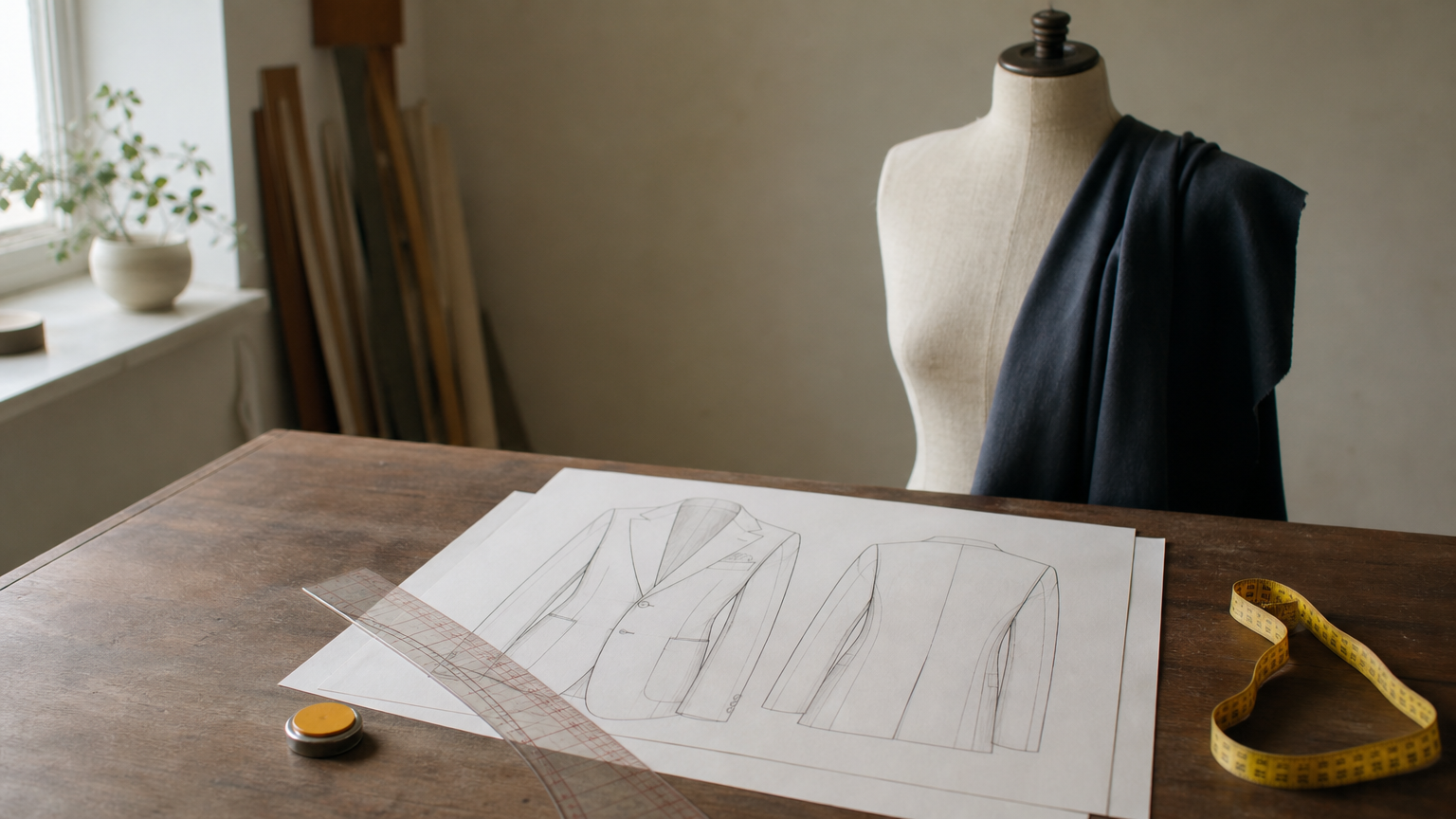
- 3D software drapes digital patterns on an avatar
- CAD flats are line drawings for pattern makers and factories
Use this tier when you are producing garments, not just previewing fabrics.
Who it suits and where it falls short
These tools suit brands and tailoring houses with pattern makers, because they connect design to production. If you grade patterns or send tech packs to a factory, you need them.
For simply showing clients a cloth, they are slow and costly to learn, and flat drawings are not photo-realistic. Many teams pair them with a PSD mockup: CAD or 3D for construction, then a photo-realistic mockup for the storefront and the client meeting.
Which tool to pick
Match the tool to the job. Wearers should use a retailer's 3D builder, and anyone sketching ideas can try an AI generator. Print sellers can start with a browser generator, and production teams need 3D or CAD software. If you need photo-realistic suit images in your own fabrics for clients or a store, a layered PSD is the most controllable and cheapest route.
For that last case, the Bespoke Suit Mockup gives you a layered Photoshop suit with sample fabrics and linings included, ready to swap your cloths in.
Comments
No comments yet. Start the conversation.