By RajIn Fashion10 min read
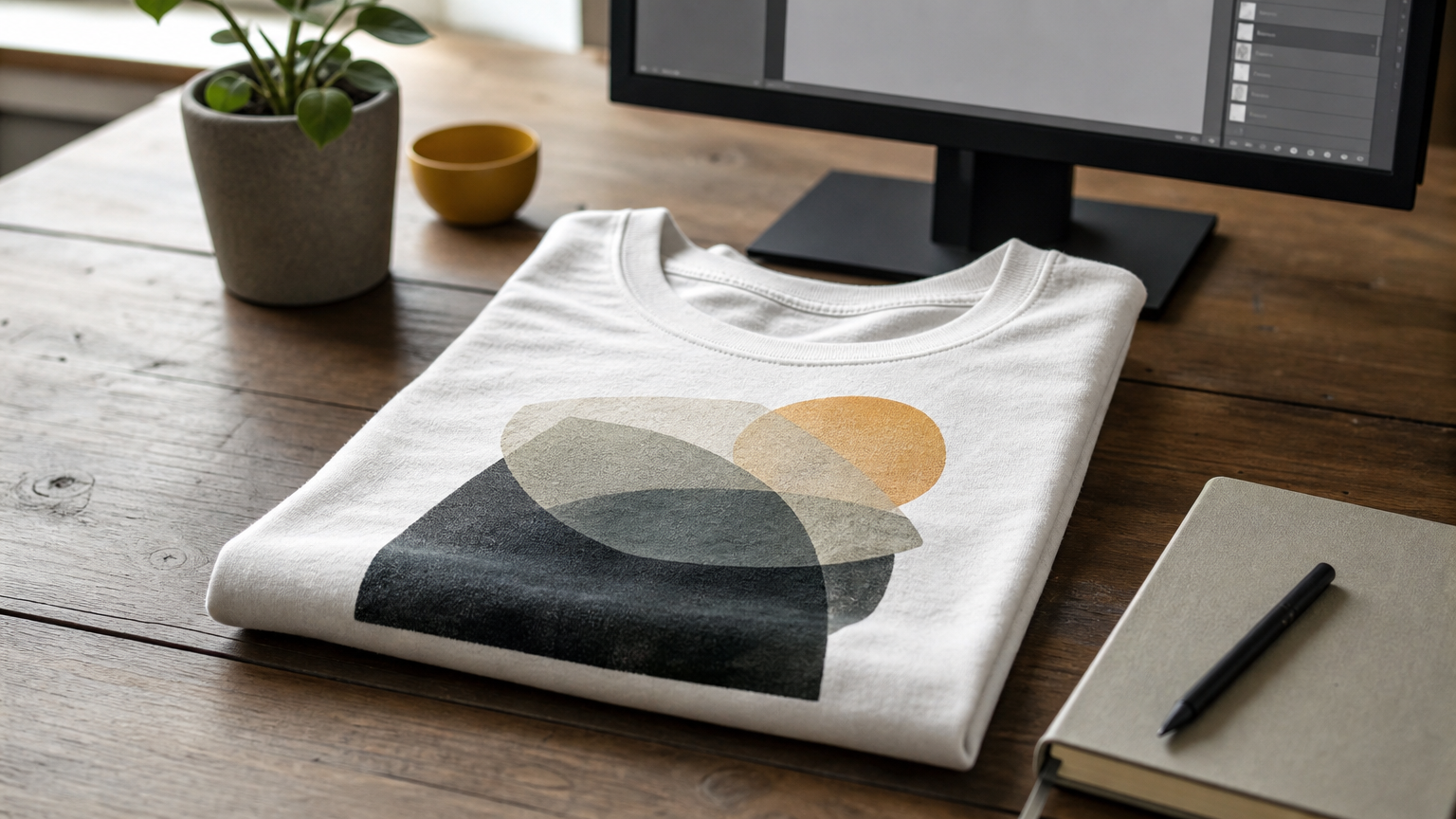
A white tee is the hardest canvas to fake. Wrinkles, shadows, and fabric texture show up immediately, and a flat, lifeless render kills a listing before anyone reads your design. If you've been searching for a white t shirt mockup that actually looks like cotton instead of plastic, you already know most free templates fall apart under scrutiny.
This list skips the generic files that clog search results and focuses on mockups built with realistic fabric textures and clean lighting, so your artwork sits on the shirt rather than floating above it. Whether you need a quick PNG mockup for a product page or a fully layered PSD you can customize down to the stitching, you'll find options here that hold up at full resolution and on mobile screens alike.
Below, you'll find six mockups worth your download, covering flat lays, hanging shots, and on-model views. We tested each for realism, editability, and its ability to handle both bold graphics and subtle designs. If you sell shirts, run a print-on-demand shop, or just need one clean shot for a portfolio, one of these will fit your workflow.
1. ShirtsMockup.com white t shirt PSD templates
ShirtsMockup.com built its white t shirt mockup collection around one problem: most blank shirt templates flatten fabric texture into a stiff plastic sheen. These files fix that with layered PSDs that separate the shirt body, seams, shadows, and highlights into their own editable groups, so your design wraps around the fabric folds instead of sitting on top like a sticker. You can compare the best shirt mockup PSD templates for Photoshop and see the difference in the preview shots before you buy.
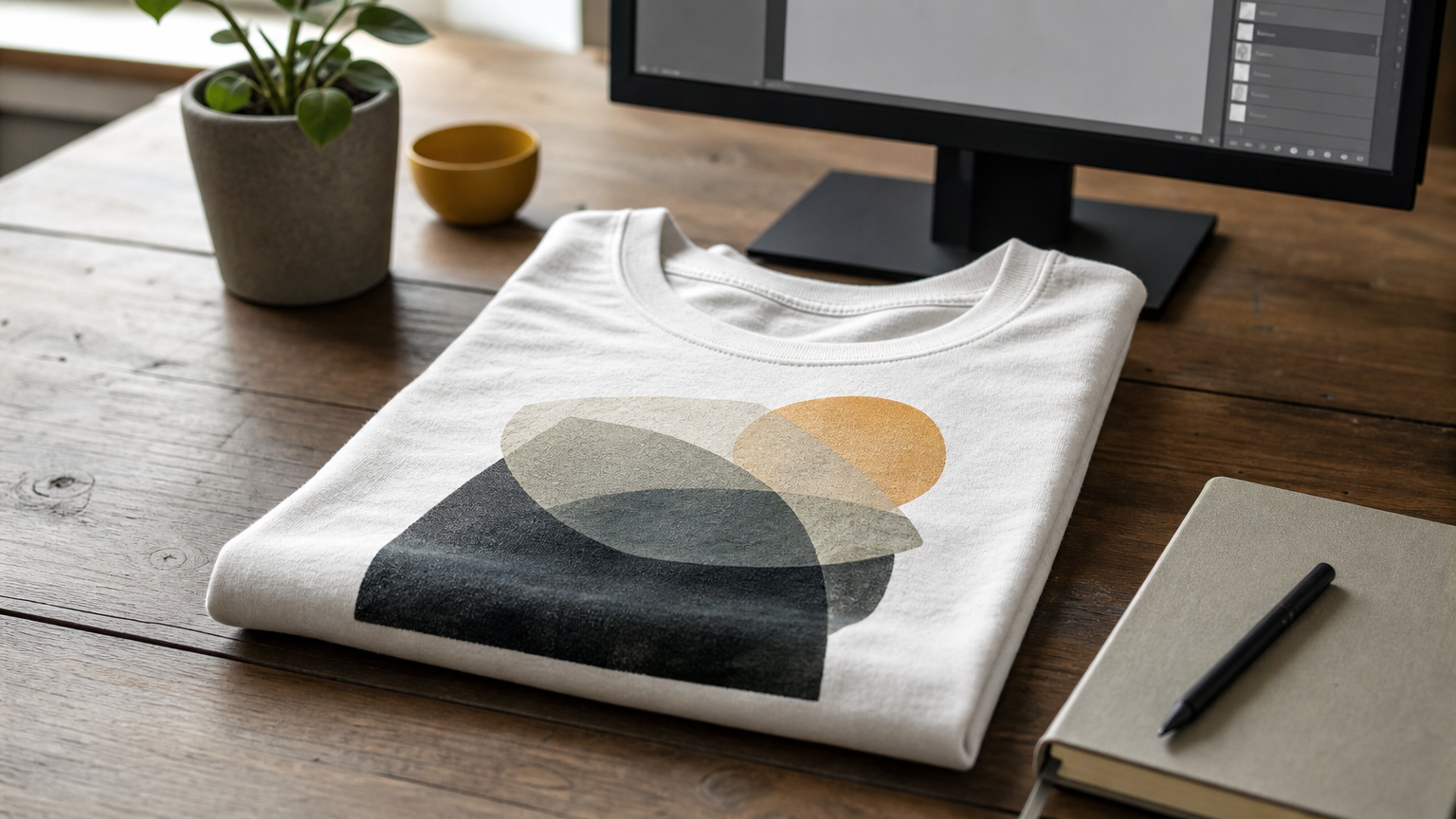
A mockup only works if the fabric looks touchable, not painted on.
Key features
Every template uses smart object layers, the same approach behind creating realistic mockups in Photoshop, so you drop your artwork in once, and Photoshop handles the perspective, wrinkles, and lighting automatically. That's the same layering method the site applies across its formalwear line, adapted here for casual cotton tees.
Smart object placement for one-click design swaps
Adjustable shirt color beyond the base white, useful for variant listings
Multiple angles per pack: flat lay, hanging, and on-model
High-resolution PSD files that hold detail past 3000px
Organized layer folders with labeled groups, no digging through unnamed layers
Best for
These templates suit designers who already work in Photoshop and want full control over shadows, fabric grain, and background staging rather than a locked-down generator. If you're running a print-on-demand shop or building a client portfolio, having a real PSD means you're not stuck with someone else's cropping or lighting choices. Store owners who need consistent product shots across dozens of SKUs also benefit, since the same base file scales to an entire catalog.
Pricing
Templates are sold as one-time purchases per file or pack, with no subscription required. Pricing sits in line with other premium PSD marketplaces, and bundle discounts apply when you buy multiple mockups together. Check the ShirtsMockup.com store for current pack pricing and any seasonal offers on the t-shirt category.
2. Placeit online t-shirt mockup generator
Placeit takes a different approach than a downloadable PSD: it's a browser-based generator, an apparel mockup generator where you upload your design, pick a template, and get a finished image in seconds. There's no Photoshop involved, which makes it a fast option when you need a mockup white t-shirt shot for a listing today, not after an afternoon of layer wrangling.
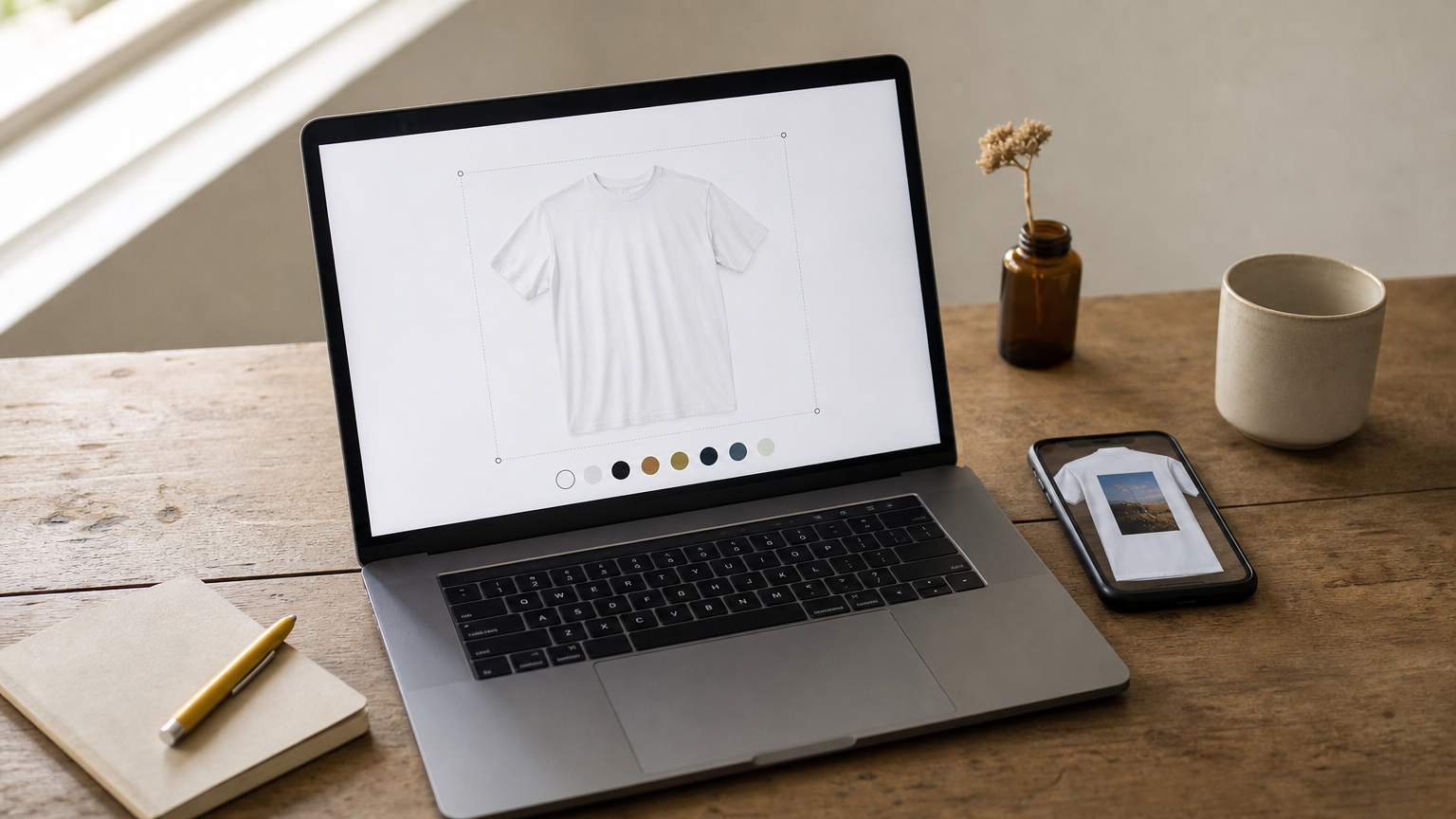
Speed beats precision when you just need a shot up by lunch.
Key features
The library covers flat lays, on-model shots, and lifestyle scenes with real people wearing the shirt, which a static PSD can't easily replicate.
Drag-and-drop design upload with instant preview
Large catalog of white shirt angles and poses
Built-in background and color adjustment tools
Video mockup templates for social media use
Best for
Sellers who need volume matter most here. If you're listing dozens of designs on a print-on-demand storefront and don't have Photoshop skills, Placeit's speed outweighs the loss of granular control. It's less suited to anyone who wants to fine-tune fabric shadows or stitching detail by hand, since you're working within the tool's presets rather than raw layers.
Pricing
Placket, like most generators of this type, runs on a subscription model rather than one-time file purchases. That recurring cost adds up fast if you only need a handful of shots, which is where a per-file PSD purchase often pencils out cheaper over a year of use.
3. Canva free t shirt mockup generator
Canva folds a white shirt mockup tool directly into its design platform, so if you're already building social posts or product graphics there, you never have to open a separate app. You search the template library, drop a white t shirt mockup frame onto your canvas, and paste your artwork straight into the smart layer Canva sets up for you.
Free doesn't have to mean flimsy, but it usually means fewer angles to choose from.
Key features
Canva's mockup frames use a simple placeholder system rather than true PSD smart objects, but the effect is close enough for quick previews and social graphics, and it stacks up reasonably against the top mockup software options.
Free tier includes several white tee templates and flat lay shots
Drag-and-drop artwork placement with instant resizing
Built-in text and graphic tools for adding captions around the mockup
Direct export to PNG, JPG, or PDF for immediate use
Best for
Designers already using Canva for their broader branding work get the most value here, since the mockup step adds no extra software to learn. It's a weaker fit if you need fabric-level realism or multiple lighting variations, because the template pool is shallower than dedicated mockup libraries.
Pricing
The core mockup templates are available on Canva's free plan, though some premium frames require a Canva Pro subscription, which also unlocks broader design features beyond mockups.
4. Adobe Stock white t shirt mockup images
Adobe Stock sells finished t-shirt mockup white images and layered templates from independent contributors, so you're browsing thousands of styles rather than one studio's catalog. Search results mix flat renders with fully editable PSDs, which means quality varies more than on a curated site, but the sheer volume covers niche poses and lighting setups you won't find elsewhere.
A huge library only helps if you filter hard enough to find the good files.
Key features
Filtering by file type and license saves time here, since not every listing includes editable layers.
Massive catalog spanning flat lay, hanging, and on-model white shirt shots
Filter options for PSD, JPEG, and vector formats
Integration with Adobe Photoshop and Creative Cloud libraries, handy if you already know how to edit a PSD mockup file for quick drag-in editing
Extended license options for commercial and resale use
Best for
Agencies and freelancers already paying for Adobe Creative Cloud get the most value, since mockups drop straight into an existing workflow. It's a slower pick if you want one reliable source, because you'll spend time comparing contributor quality file by file.
Pricing
Adobe Stock runs on credit packs or monthly subscriptions, and individual mockup images typically cost more per file than a bundled PSD pack from a dedicated mockup store.
5. Etsy white t shirt mockup bundles
Etsy hosts thousands of independent sellers offering white shirt mockup bundles, often at prices lower than the big stock libraries. You're buying from individual designers rather than a single studio, so quality swings from amateur flat renders to genuinely polished PSDs with proper smart objects and fabric shading. It's worth reading reviews and closely checking the preview thumbnails before you buy, since return policies for digital files are limited.
On a marketplace this open, the buyer does the quality control, not the platform.
Key features
Like most apparel mockup bundles, these packs group several angles or shirt colors into a single download, stretching your budget further than a single-image purchase.
Bundle packs covering flat lay, hanging, and on-model shots in one purchase
Wide price range from a few dollars to premium designer sets
Instant digital download after checkout
Seller messaging for custom requests or file troubleshooting
Best for
Budget-conscious sellers and hobbyists testing a print-on-demand idea before committing to a premium tool are a good fit for this option. It's riskier for anyone who needs guaranteed consistency across a full catalog, since switching sellers mid-project often means relearning a new layer structure.
Pricing
Most bundles run affordably, with premium designer sets costing more but still typically under what a single Adobe Stock image runs. There's no subscription, just a one-time purchase per listing.
6. Free PSD and PNG white t shirt mockups
Sometimes you just need a free t-shirt mockup for a one-off project, a client pitch, or a quick social post, and paying for a premium file doesn't make sense. Scattered across design blogs, community forums, and freebie roundups, these free downloads range from genuinely usable PSDs with smart objects to flat PNGs that look fine shrunk down but fall apart at full size. Digging through them takes patience, and licensing terms vary wildly, so check the standard license agreement and whether a file allows commercial use before you drop it into a paid listing.
Free files save money upfront, but reading the license saves you a headache later.
Key features
Expect a mixed bag rather than a curated library, since anyone can upload a white t shirt mockup and call it free.
Mix of layered PSD files and static PNG images
Inconsistent resolution, some barely clear 1500px
Licensing terms that range from fully free to attribution-required
Limited angle variety compared to paid packs
Best for
Hobbyists, students, and anyone testing a design concept before investing in a paid shirt mockup white template get the most out of this route. It's a poor fit for sellers who need consistent quality across a storefront, since mixing free files from different sources creates a visibly inconsistent catalog.
Pricing
Free, though some sources gate higher resolutions or extra layers behind an email signup or a small tip.
Picking the right mockup for your shirt designs
Free generators like Canva work fine for a quick social post, and Etsy bundles cover you on a tight budget, but neither gives you the fabric-level control a real storefront needs. A white t shirt mockup built from layered PSDs, with separate shadow and highlight groups, makes your design look like it's printed on cotton rather than pasted onto a photo. That difference shows up the moment a shopper zooms in on your listing.
If you're building a catalog you'll update for years, not just testing one design, skip the subscription tools and mixed-quality freebies. Buy files you own outright, with smart objects that scale across every new shirt color and angle you add. That's exactly what ShirtsMockup.com built its collection around. Browse the customizable t-shirt mockup templates and see how your next design looks on real fabric before you commit to a print run.
Comments
No comments yet. Start the conversation.