By TojoIn Suit8 min read
The best baggy jeans mockup depends on what you need to show. Pick a layered PSD with a Smart Object when you want photo-realistic images for a store or lookbook. Pick a vector flat sketch when you are sending a tech pack to a manufacturer. Pick a free vector download when you only want to test a concept. Pick a stock-library template when you need close-ups of labels, patches or embroidery.
The problem is that a search for this keyword returns a mix of everything: flat drawings, stock photos, marketplace listings and Pinterest boards. Few of them tell you what file you get, whether you can edit the denim color, or whether you may use it for a commercial brand. Black baggy jeans and wide-leg cuts add another question, which is whether the file survives a recolor.
This guide covers five ways to get a baggy jeans mockup template: layered PSD, vector, free download, stock PSDT, and building your own. Each one gets the same breakdown, so you can compare what you get, who it suits, and what it costs. ShirtsMockup sells layered PSD templates, so the notes on Smart Objects and file structure come from how those files are built and used.
1. Layered PSD mockups with Smart Objects
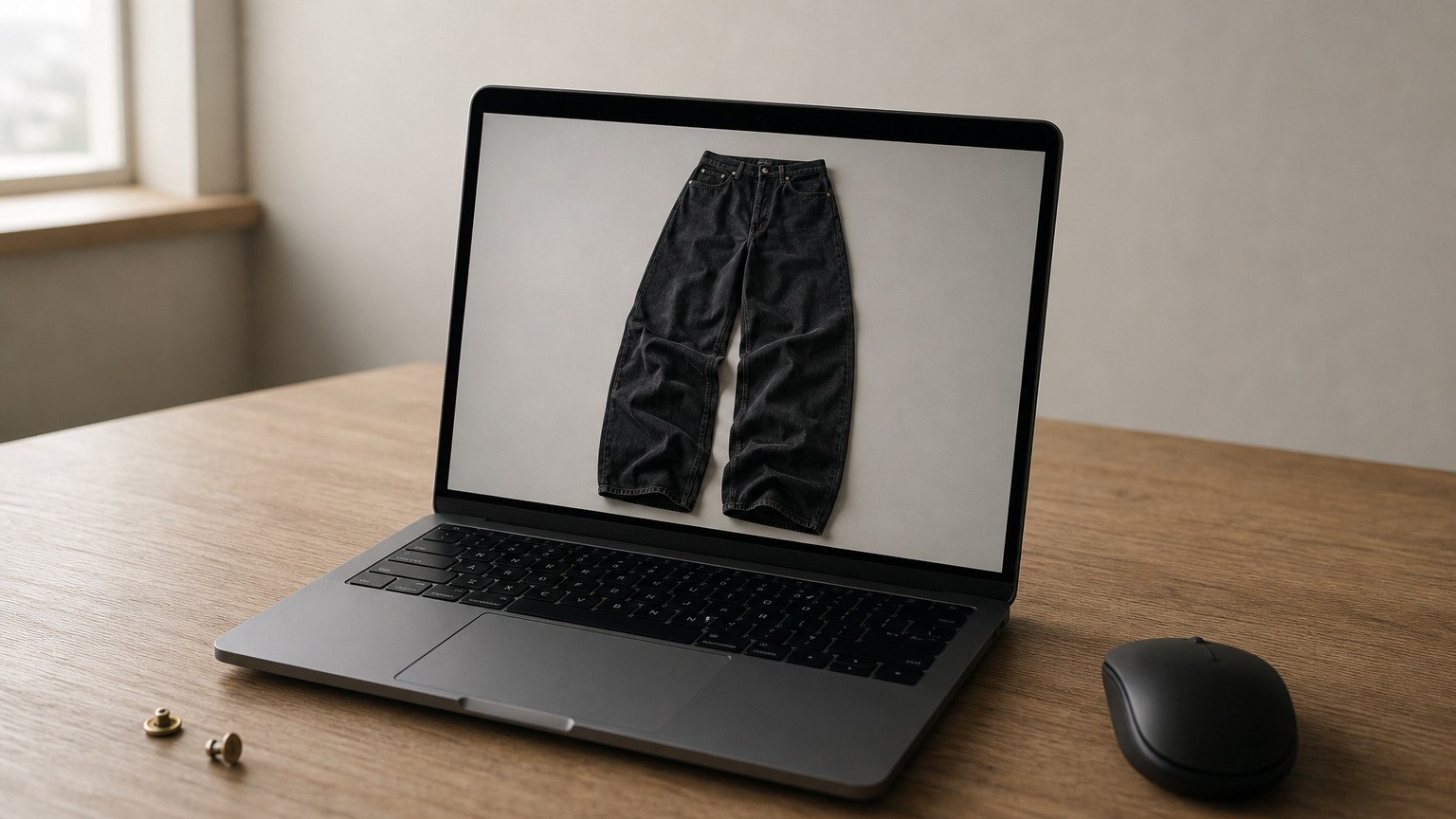
A layered PSD is the best choice when the result has to look photographed. The denim is a real photo, and your design sits on top of it through a Smart Object.
What you get
A good PSD separates the jeans into editable layers: the base color, stitching, pockets, shadows and a replaceable design area. You double-click the Smart Object, drop in your artwork, save, and the jeans update. Adobe explains the mechanics in its Smart Objects guide.
For a black baggy jeans mockup, check that the color layer uses an adjustment layer, not a flat fill. A flat fill flattens the folds. Also look for a displacement or liquify map, which makes prints bend along the fabric instead of floating above it.
Who it suits
This format suits clothing brands, print-on-demand sellers and designers who build product listings, lookbooks or client decks. You need working Photoshop skills. It also suits streetwear labels that place graphics on pockets or the back panel, because the layers let you position each one precisely. If the pack includes a wide-leg or flared variant, one purchase can cover several silhouettes.
Cost and licensing
PSD packs are paid, and prices vary by seller and by how many views the pack includes. Before you buy, confirm the minimum Photoshop version and the pixel size, since a small file looks soft on a product page. Read the license for client work and for any use inside tools where customers customize products. Many sellers forbid that. Digital files are rarely refundable once downloaded.
A layered PSD with a Smart Object and a displacement map gives you the most realistic baggy jeans mockup, as long as you know Photoshop.
2. Vector flat sketch templates for tech packs
Vector templates are the cheapest way to get a clean, editable baggy jeans mockup. They are drawings, not photos, which is exactly what a manufacturer expects.
What you get
Typical listings bundle Adobe Illustrator, SVG and PNG files with front and back views, and some add Procreate-ready files. You recolor the jeans with a fill, place your logo, and add measurements. Because the shapes are vector paths, you can move anchor points to change the leg opening. One template can become baggy, wide-leg or straight.
Who it suits
Designers who prepare tech packs for a factory will use these the most. They also work for sellers who want to post a design on social media and measure interest before ordering stock. The trade-off is realism. Flat sketches show construction well, but they will not sell a product on a store page the way a photo does.
Cost and licensing
Marketplace listings for single templates often run about $3 to $4, and sellers discount bundles of related garments. Instant-download items usually do not accept returns, so read the file list and preview images first. Check that the seller allows commercial use, and make sure the file opens in the software you own, because not every vector pack works in every editor.
Choose vector when the goal is production clarity or quick concept testing, not store-page realism.
3. Free baggy jeans mockup downloads
Free baggy jeans mockup downloads exist, but they are mostly flat vectors and PNG cutouts. Photo-realistic free PSDs are rare.
What you get
Free vector libraries list dozens of baggy and wide-leg jeans templates. These include technical flat drawings, mockup-style sketches and clip art. You can usually recolor them in any vector editor. Expect basic detail: pockets, seams and a waistband, without realistic folds or fabric texture. A free baggy jeans mockup free download will rarely include shadow layers or displacement maps.
Who it suits
Students, first-time sellers and anyone drafting ideas will get the most out of free files. They also work for quick social posts or internal reviews. If the image will carry a paid product page or a client deliverable, treat a free file as a placeholder and upgrade later.
Cost and licensing
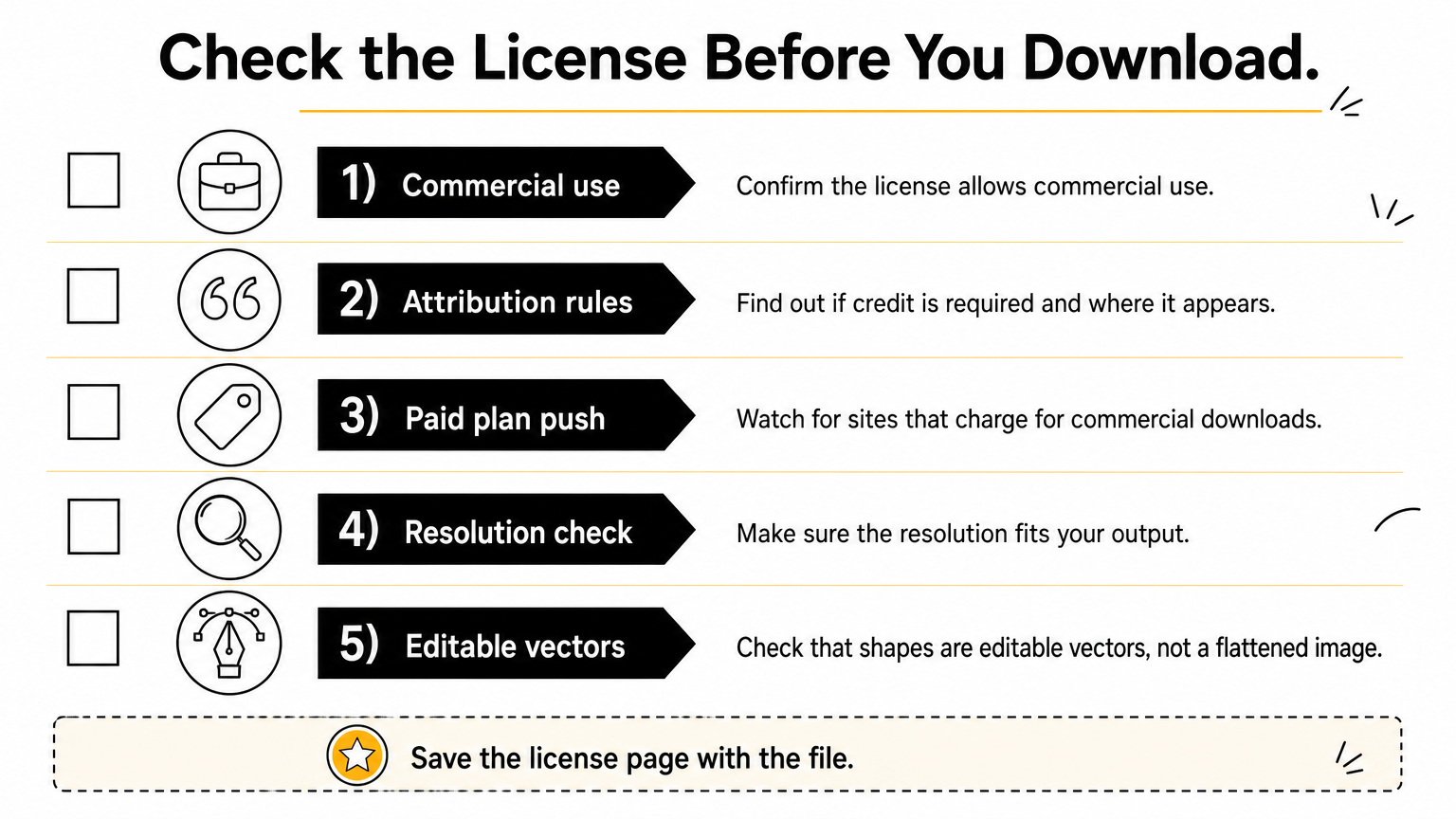
Free does not always mean free for business use. Run through this checklist before you download:
- Does the license allow commercial use?
- Is attribution required, and where must it appear?
- Does the site push a paid plan for commercial downloads?
- Is the resolution high enough for your output?
- Are the shapes editable vectors or a flattened image?
Save the license page or a screenshot with the file. If a dispute comes up later, you want proof of the terms you accepted.
A free file saves money only if its license covers how you plan to use it.
4. Stock library PSDT templates
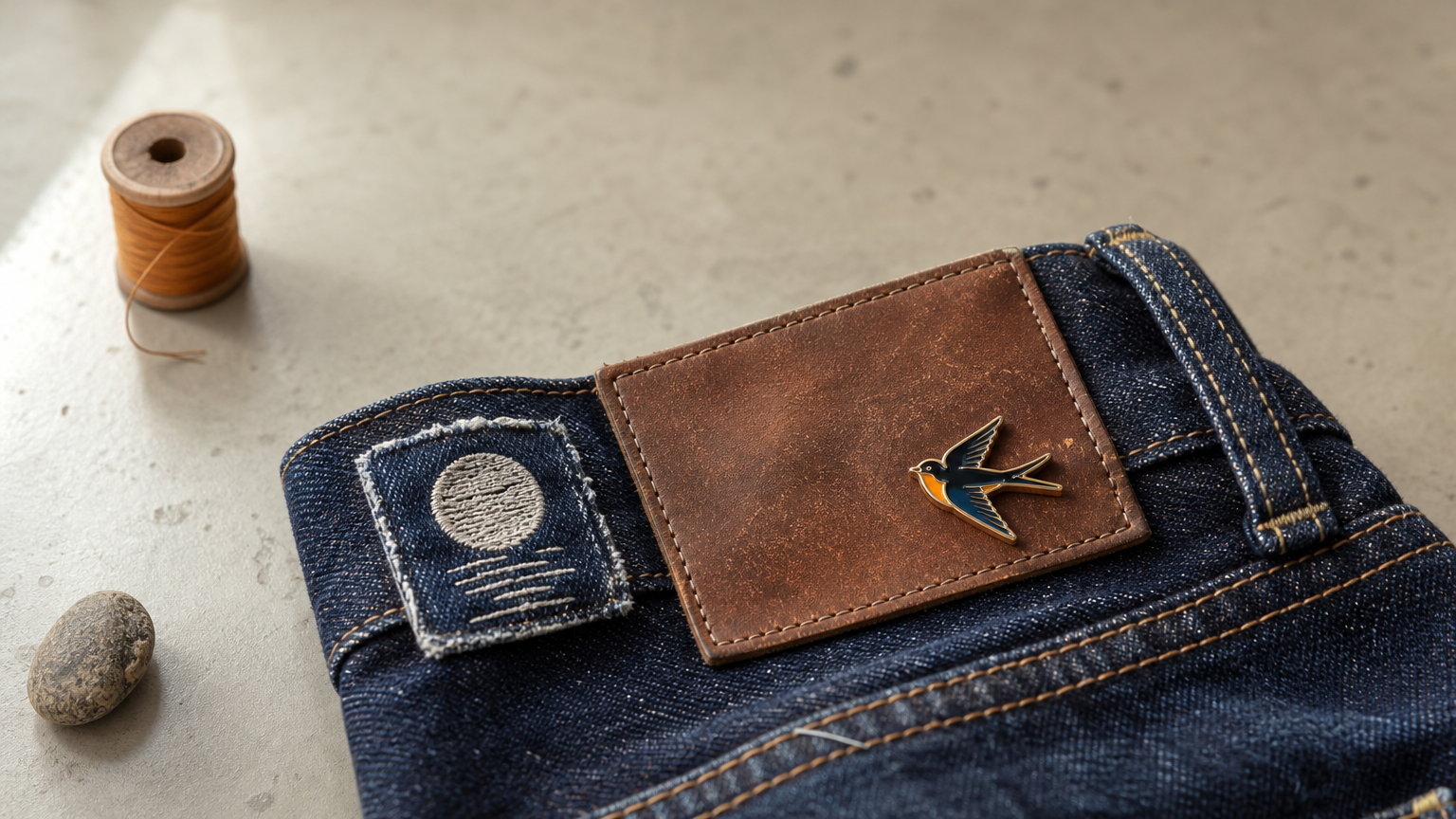
Stock libraries are the best source for detail shots, not for the full baggy jeans view. The jeans mockup results there are dominated by close-ups.
What you get
Large stock libraries return more than 100,000 results for "jeans mockup". Many are PSDT templates, which open as editable Photoshop templates. The strongest categories are leather labels, enamel pins, embroidery logos and denim patches, plus some full-garment shots. Filter by garment and view to find a proper baggy or oversized cut, because the same results include hoodies, tote bags and phone mockups.
Who it suits
Brands that sell more than a silhouette will benefit. If your jeans have a branded waistband patch, a leather label or embroidered pocket, close-up templates show that craftsmanship. Pair them with a full-length PSD from option 1 to build a complete product page: one wide shot, then three or four details.
Cost and licensing
Stock libraries sell by subscription or by credit pack, so the per-image cost depends on your plan. Licensing is set per asset and per plan. Standard terms often cover marketing images but exclude products made for resale, which needs an extended license. Check before you use a stock mockup on packaging or merchandise.
Use stock templates for labels, patches and embroidery close-ups, and pair them with a full-length mockup.
5. A mockup you build from your own photo
Building your own mockup gives you the exact cut you sell, which matters for baggy jeans because leg width and break define the product. It costs nothing but time.
What you get
You turn a photo of your sample into a reusable template. The steps:
- Photograph the jeans flat or on a hanger in even, diffused light.
- Cut out the jeans and place them on a transparent background.
- Add a blank layer for the design area and convert it to a Smart Object.
- Make a grayscale copy of the photo and save it as a displacement map.
- Set the artwork to a blend mode that keeps the folds and shadows visible.
For black baggy jeans, artwork set to Multiply disappears. Use a lighter blend mode, or choose light inks such as white or cream.
Who it suits
Brands with a physical sample suit this method best, as do designers who need an exact fit that no stock file matches. Video tutorials on jeans mockups in Photoshop can walk you through the displacement step if you have not done it before.
Cost and licensing
The method is free apart from Photoshop and your time, so plan an afternoon for the first template. Licensing is simple: you own the photo, so you own the mockup. The risk is quality. A poorly lit photo produces a flat result, so retake the shot before you fix it in editing.
If the cut of your jeans is the selling point, shoot your own sample and build the mockup around it.
Picking the right option for your design
Match the format to the job. Use a layered PSD for store images, a vector template for tech packs, a free download for early drafts, stock PSDT files for labels and patches, and a self-built template when only your own sample shows the cut correctly. Always read the license, and confirm that the file lets you recolor black or washed denim without losing the folds.
If your line also includes tailored pieces, ShirtsMockup's Men's Trouser PSD Mockup is a layered Photoshop file at 1690 x 2338 px and 300 DPI with a Smart Object for your fabric. It shows tailored trousers with pleat and waistband options, so it fits dress trousers, not baggy denim.
Comments
No comments yet. Start the conversation.